Chrome Bloom FX

Chrome Bloom FX

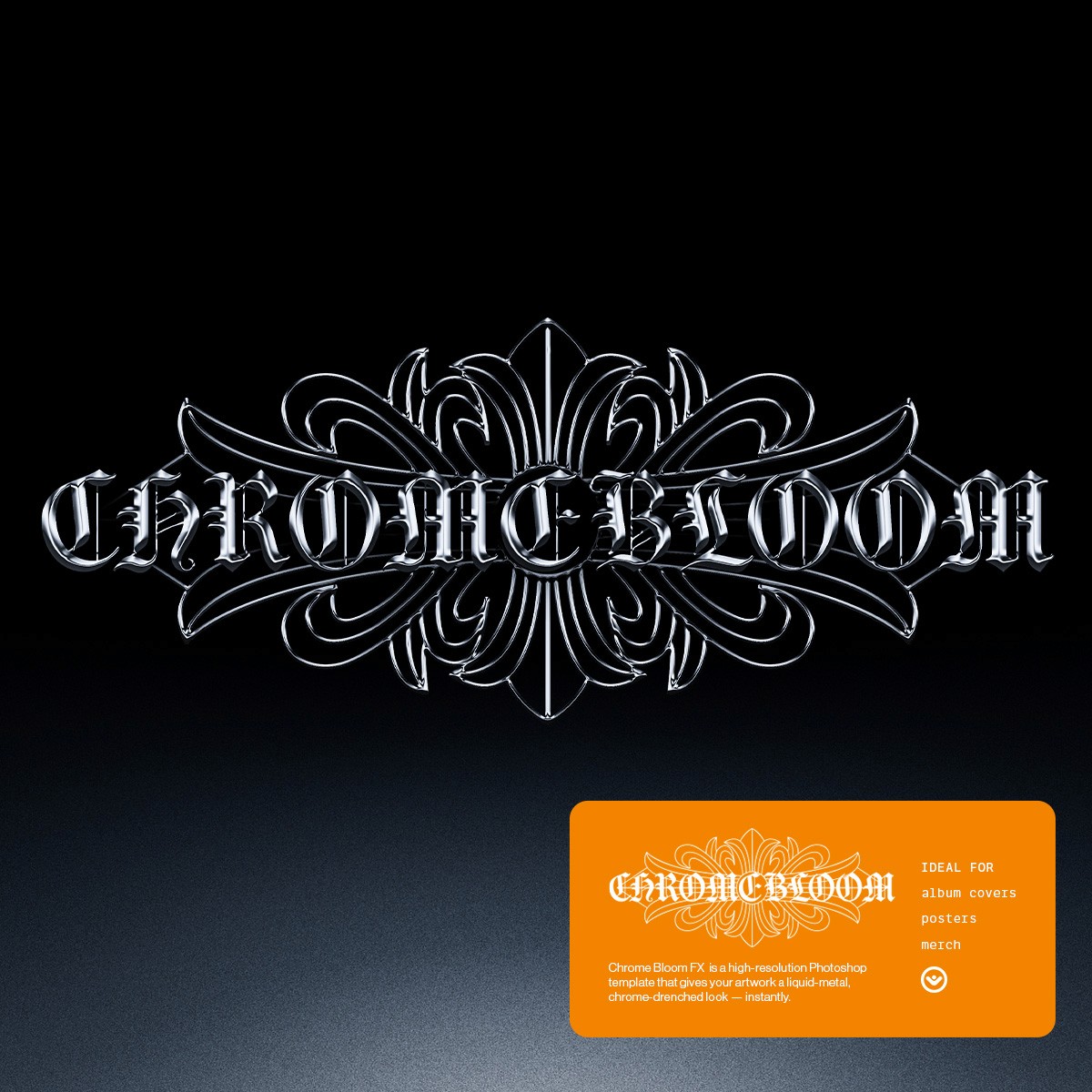
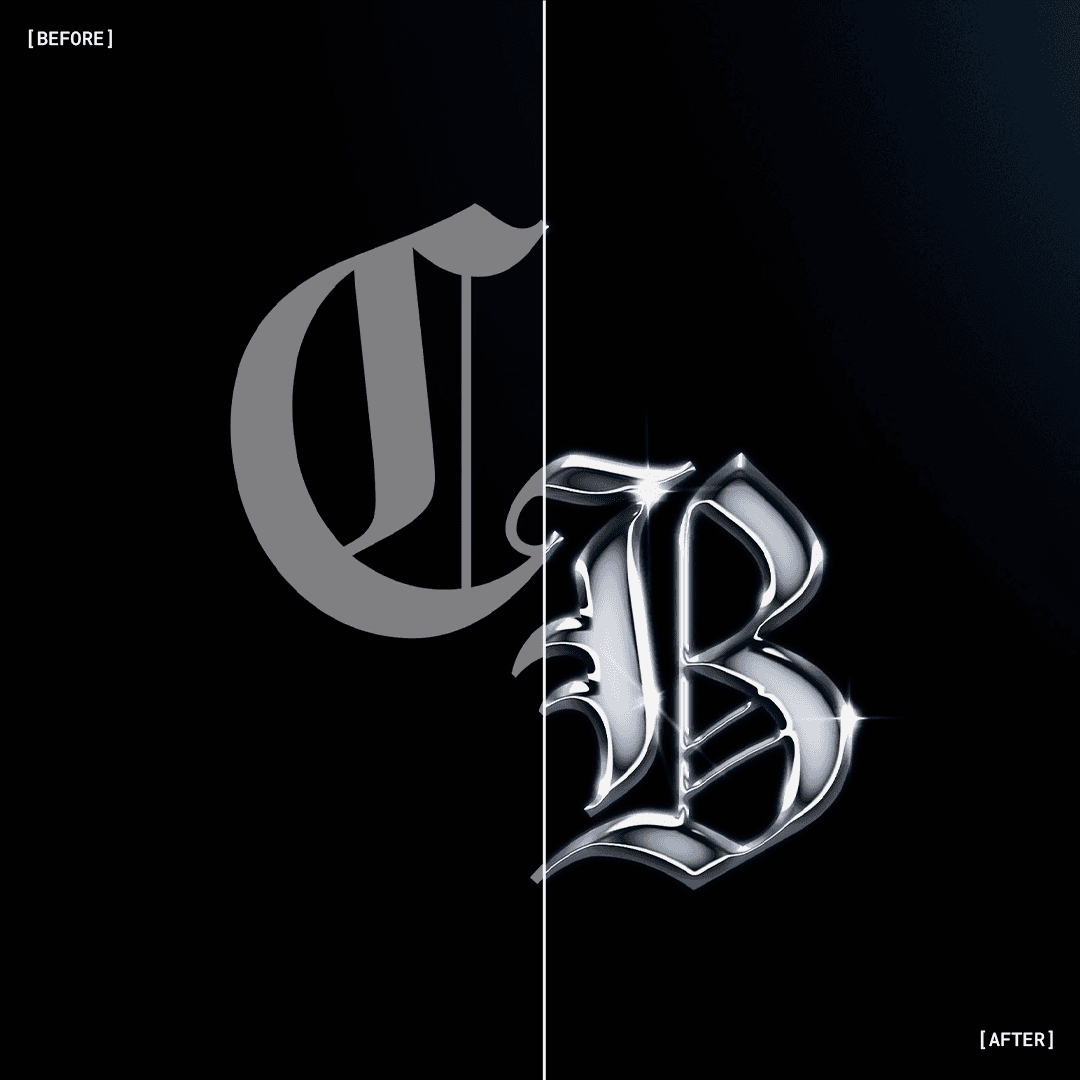
Give your artwork a liquid-metal, chrome-drenched look — instantly.
A high-resolution Photoshop template built to deliver sharp, glossy, Y2K-inspired metal surfaces without plugins or complicated steps.

Give your artwork a liquid-metal, chrome-drenched look — instantly.
A high-resolution Photoshop template built to deliver sharp, glossy, Y2K-inspired metal surfaces without plugins or complicated steps.

$25

$25

Instant download. No plugins required.

Instant download. No plugins required.

Skip the Hard Part

Skip the Hard Part

Skip the Hard Part

Skip the Hard Part

We all know that polished chrome is not easy to create from scratch.


It takes reflections, lighting, highlights, shadows, bevels, and a lot of precision.


Chrome Bloom FX handles all of that for you. Every lighting layer, style, and highlight is already in place inside a fully structured PSD.


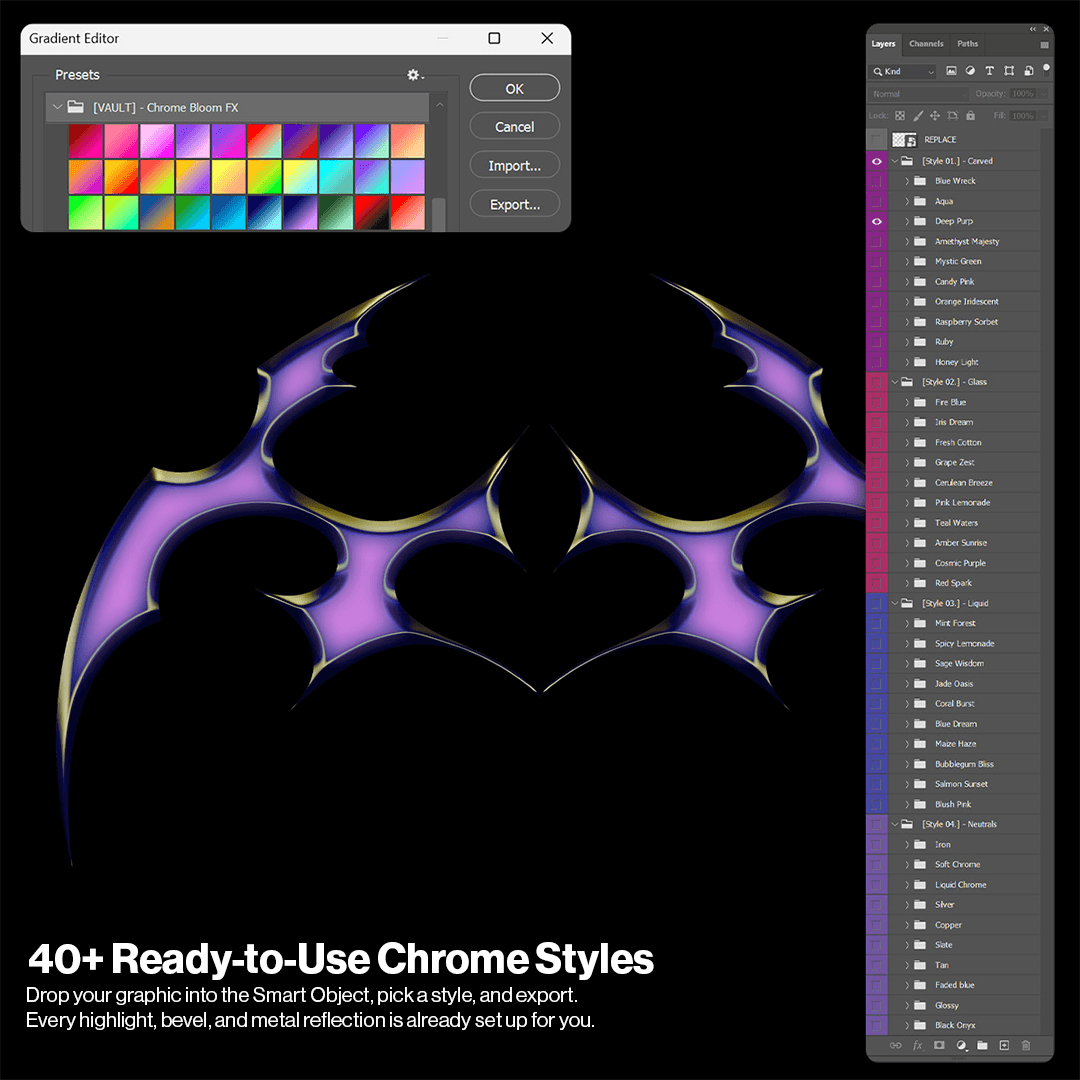
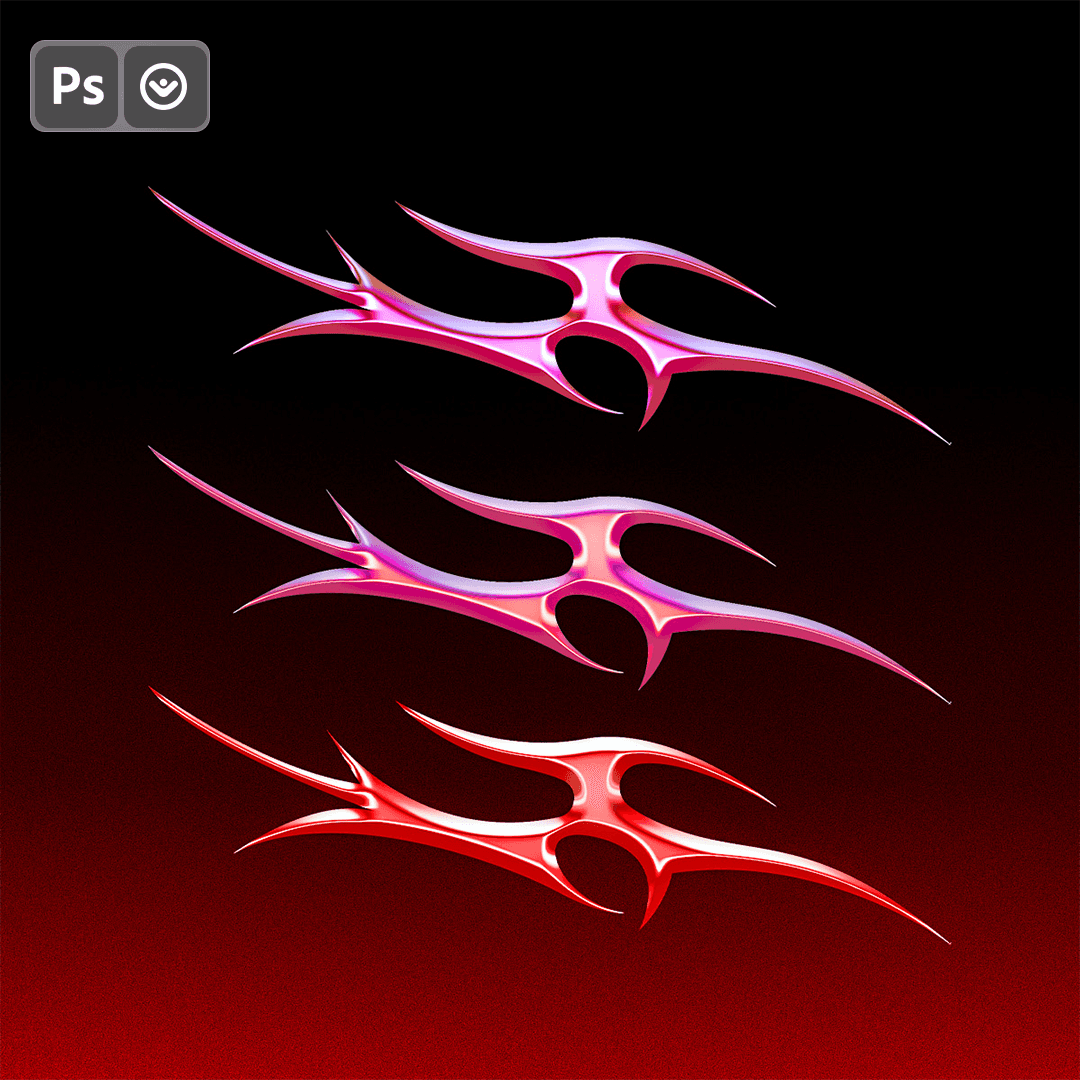
Drop your graphic inside the Smart Object, choose from 40 styles, and export a finished chrome render in minutes — not hours.

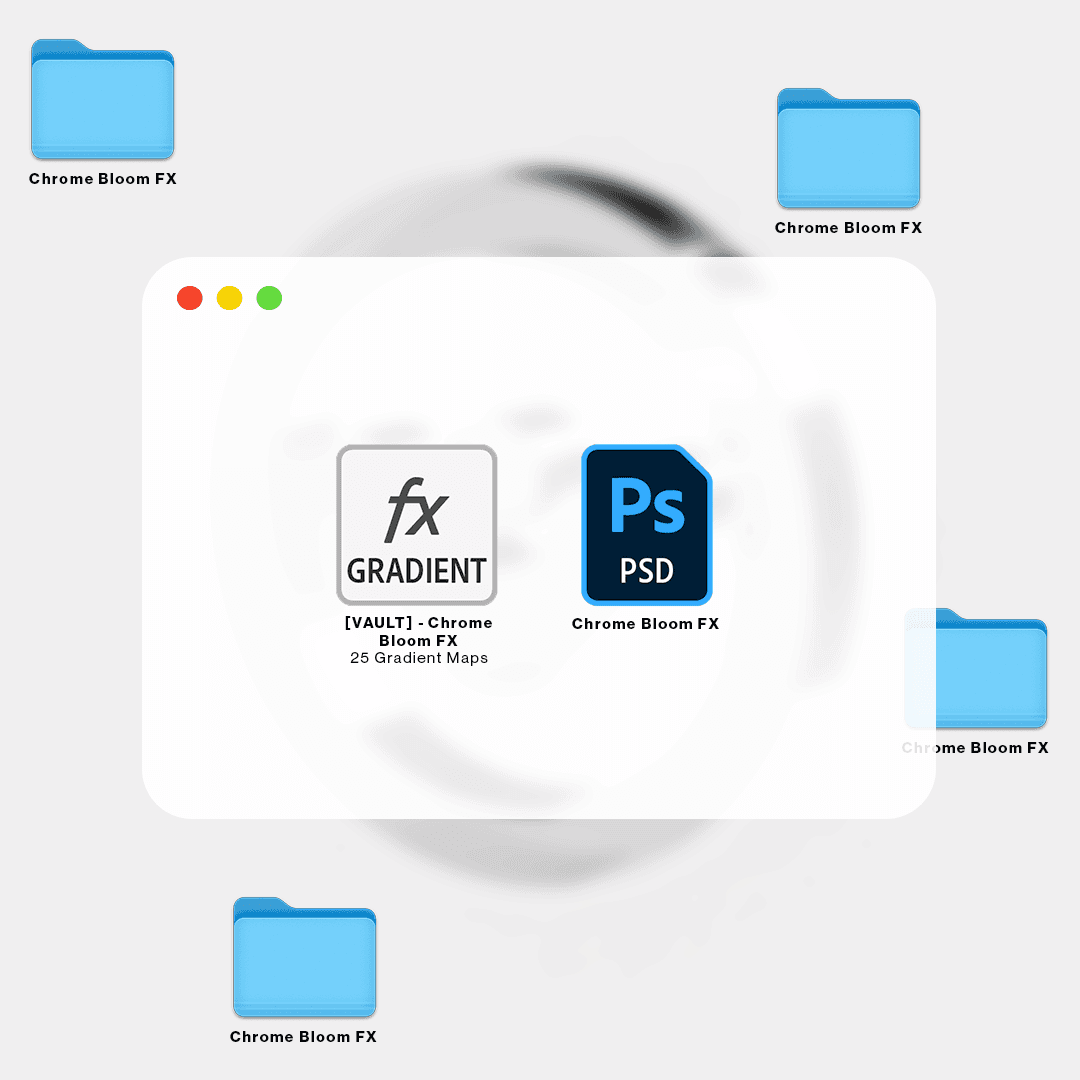
What you'll get:


• 1 PSD
• 40 Pre-made Chrome Layer Styles
• 30 Gradient Maps
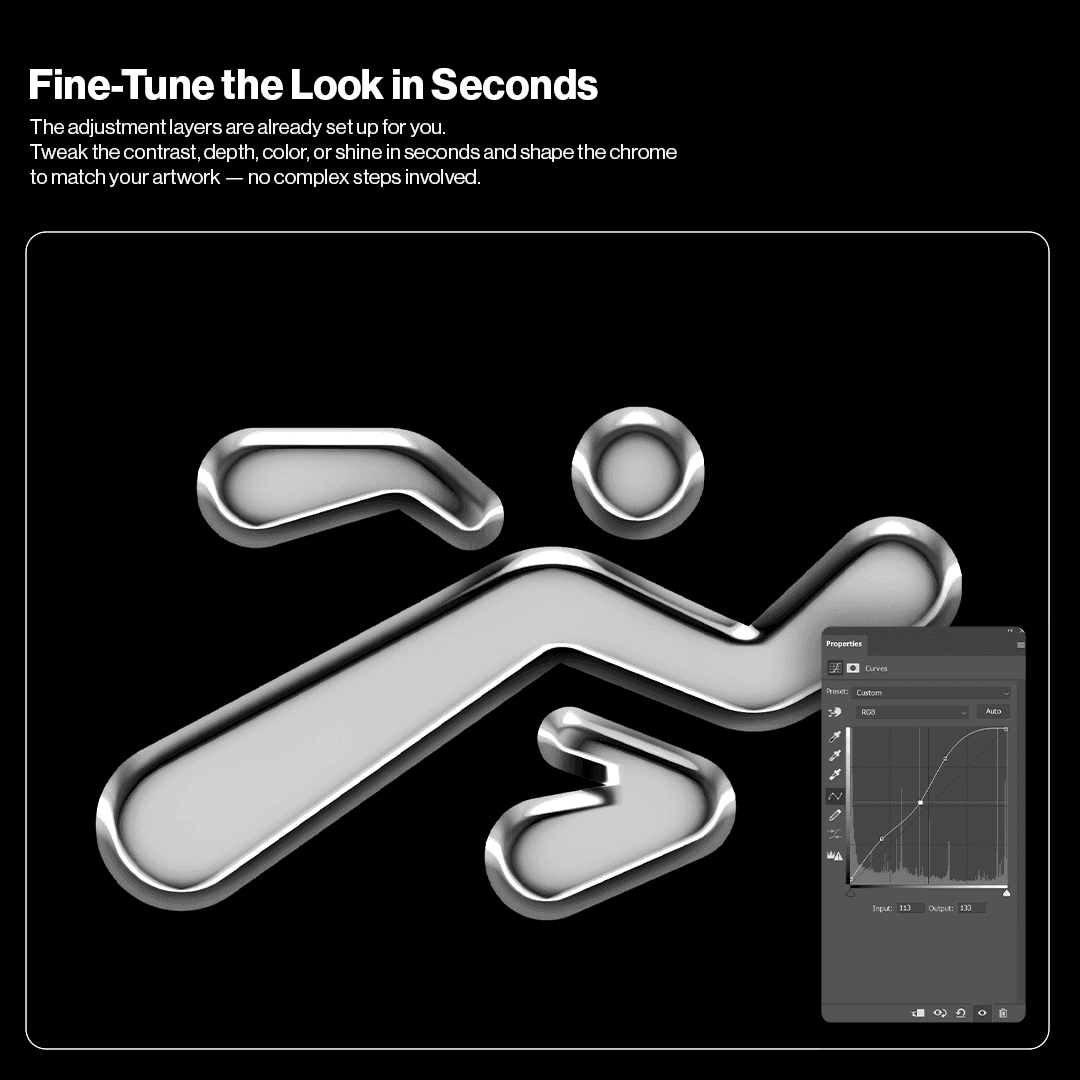
• Adjustment Layers for quick refinements
• Easy-to-follow User Guide included

What you'll get:


• 1 PSD
• 40 Pre-made Chrome Layer Styles
• 30 Gradient Maps
• Adjustment Layers for quick refinements
• Easy-to-follow User Guide included

Use Cases

Use Cases

Use Cases

Typography

Typography

Typography

Add impact to titles, logos, and wordmarks.

Add impact to titles, logos, and wordmarks.

Add impact to titles, logos, and wordmarks.

Music Visuals

Music Visuals

Music Visuals

Enhance cover art, flyers, previews, and motion graphics.

Enhance cover art, flyers, previews, and motion graphics.

Enhance cover art, flyers, previews, and motion graphics.

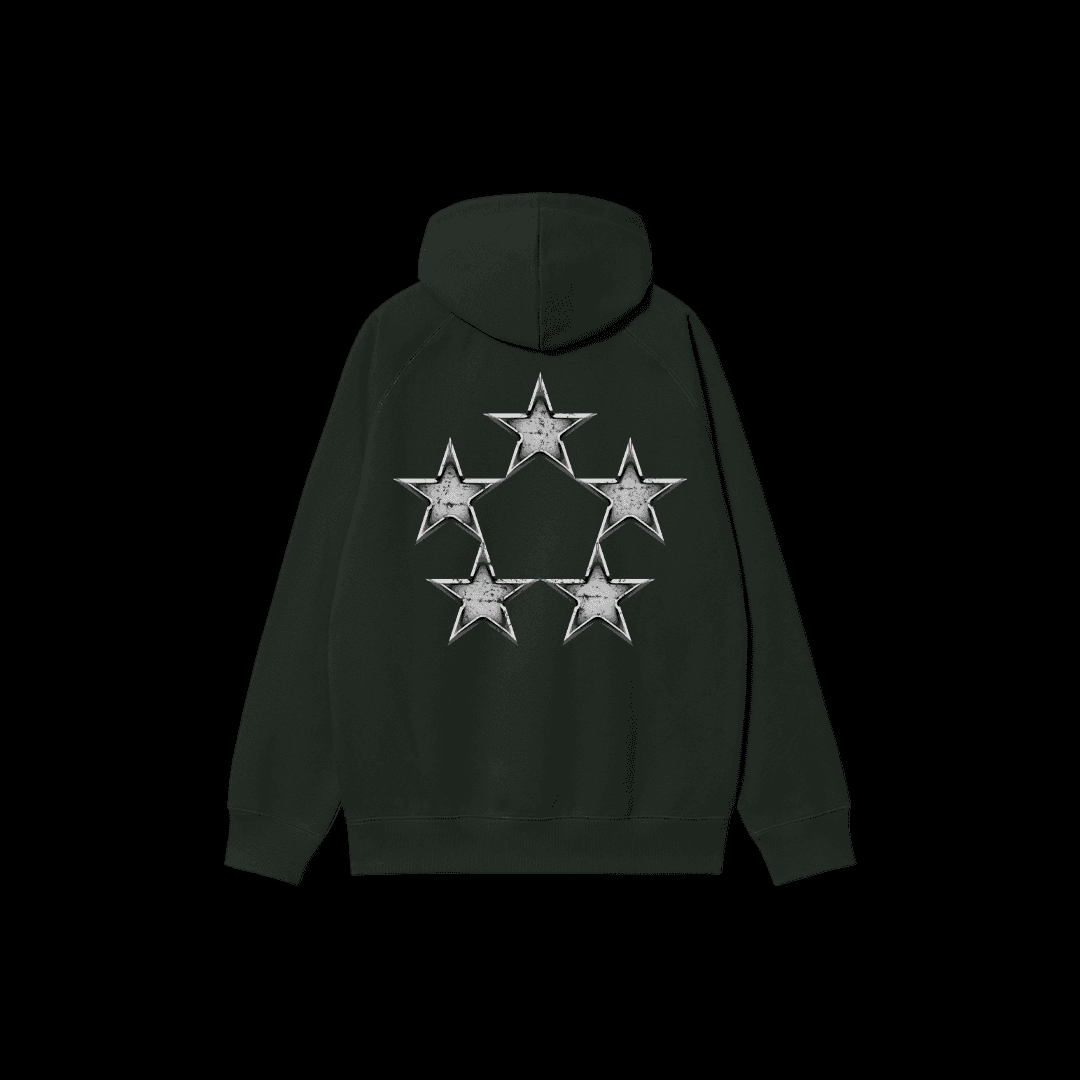
Merch

Merch

Merch

Create bold graphics for tees, hoodies, prints, and accessories.

Create bold graphics for tees, hoodies, prints, and accessories.

Create bold graphics for tees, hoodies, prints, and accessories.

Built for fast-paced creatives

Built for fast-paced creatives

Built for fast-paced creatives

Chrome Bloom FX was designed for designers who need high-impact metal visuals with no friction. From album art to merch drops and experimental branding, you get studio-grade chrome renders in a fraction of the usual time.

Does Chrome Bloom FX work on any Photoshop version?

Yes. Any version that supports Smart Objects.

Is it beginner-friendly?

Yes. Replace the artwork inside the Smart Object and select the chrome style you prefer.

Do I need any plugins?

No. Everything is native to Photoshop.

Can I use it for client work?

To add a video to your site, click the “Insert” button and navigate to the “Media” section. Then, drag and drop a video component onto the Canvas.

Does Chrome Bloom FX work on any Photoshop version?

Yes. Any version that supports Smart Objects.

Is it beginner-friendly?

Yes. Replace the artwork inside the Smart Object and select the chrome style you prefer.

Do I need any plugins?

No. Everything is native to Photoshop.

Can I use it for client work?

To add a video to your site, click the “Insert” button and navigate to the “Media” section. Then, drag and drop a video component onto the Canvas.

Does Chrome Bloom FX work on any Photoshop version?

Yes. Any version that supports Smart Objects.

Is it beginner-friendly?

Yes. Replace the artwork inside the Smart Object and select the chrome style you prefer.

Do I need any plugins?

No. Everything is native to Photoshop.

Can I use it for client work?

To add a video to your site, click the “Insert” button and navigate to the “Media” section. Then, drag and drop a video component onto the Canvas.

Does Chrome Bloom FX work on any Photoshop version?

Yes. Any version that supports Smart Objects.

Is it beginner-friendly?

Yes. Replace the artwork inside the Smart Object and select the chrome style you prefer.

Do I need any plugins?

No. Everything is native to Photoshop.

Can I use it for client work?

To add a video to your site, click the “Insert” button and navigate to the “Media” section. Then, drag and drop a video component onto the Canvas.

Does Chrome Bloom FX work on any Photoshop version?

Yes. Any version that supports Smart Objects.

Is it beginner-friendly?

Yes. Replace the artwork inside the Smart Object and select the chrome style you prefer.

Do I need any plugins?

No. Everything is native to Photoshop.

Can I use it for client work?

To add a video to your site, click the “Insert” button and navigate to the “Media” section. Then, drag and drop a video component onto the Canvas.

For personal & commercial use.


Created by @vaultctrl.co

digital tools for minds that move the culture.


Have questions or need help?

Email info@vaultctrl.co

For personal & commercial use.


Created by @vaultctrl.co

digital tools for minds that move the culture.


Have questions or need help?

Email info@vaultctrl.co