
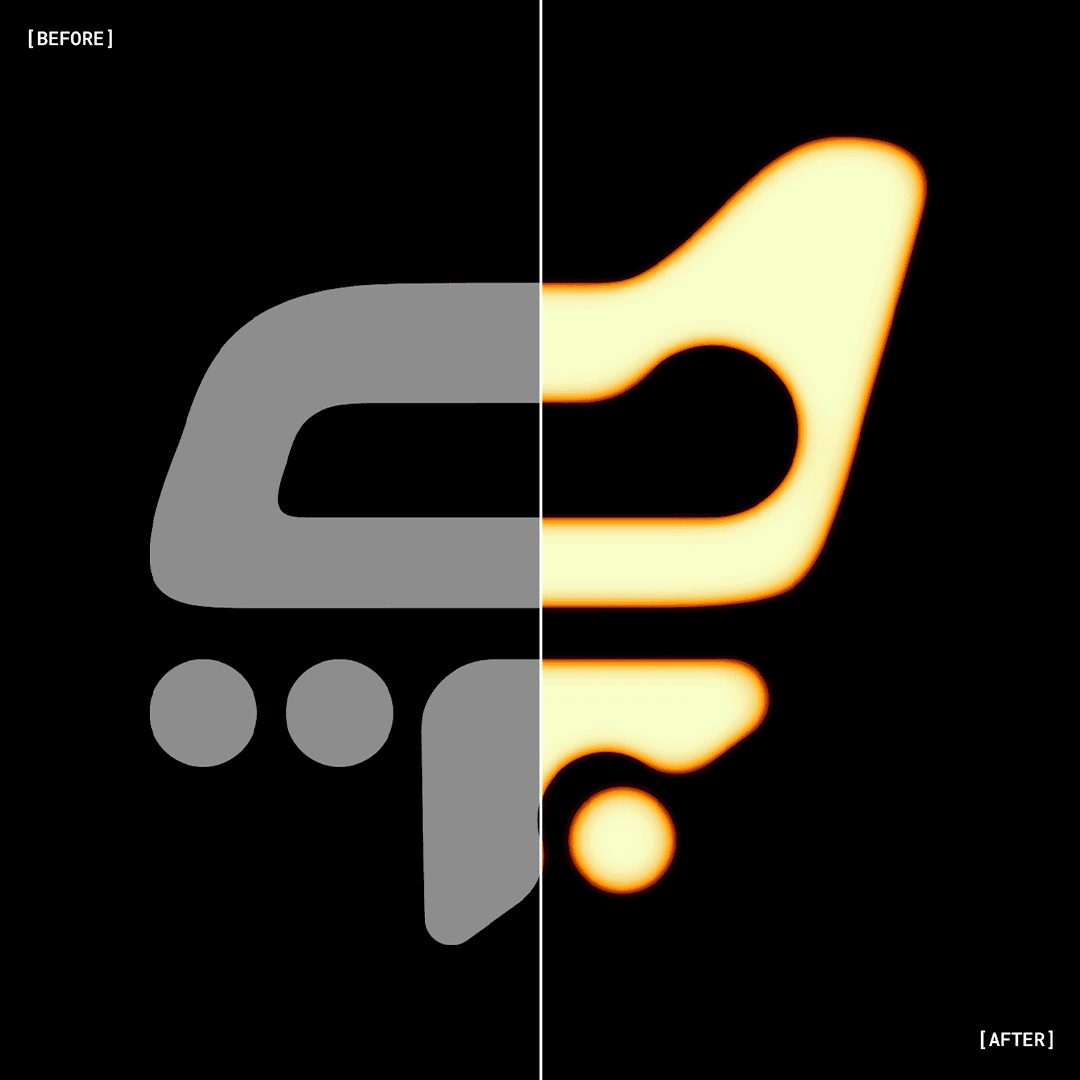
Add vibrant, luminous glow to your designs in seconds.
A high-resolution Photoshop setup built for fast, colorful, high-impact visuals without plugins or complex steps.
Add vibrant, luminous glow to your designs in seconds.
A high-resolution Photoshop setup built for fast, colorful, high-impact visuals without plugins or complex steps.
Skip the Hard Part
Skip the Hard Part
Skip the Hard Part
Skip the Hard Part
Creating a smooth, bright glow from scratch takes time.
You need controlled blur, color intensity, luminance balance, and layered highlights to get the right look.
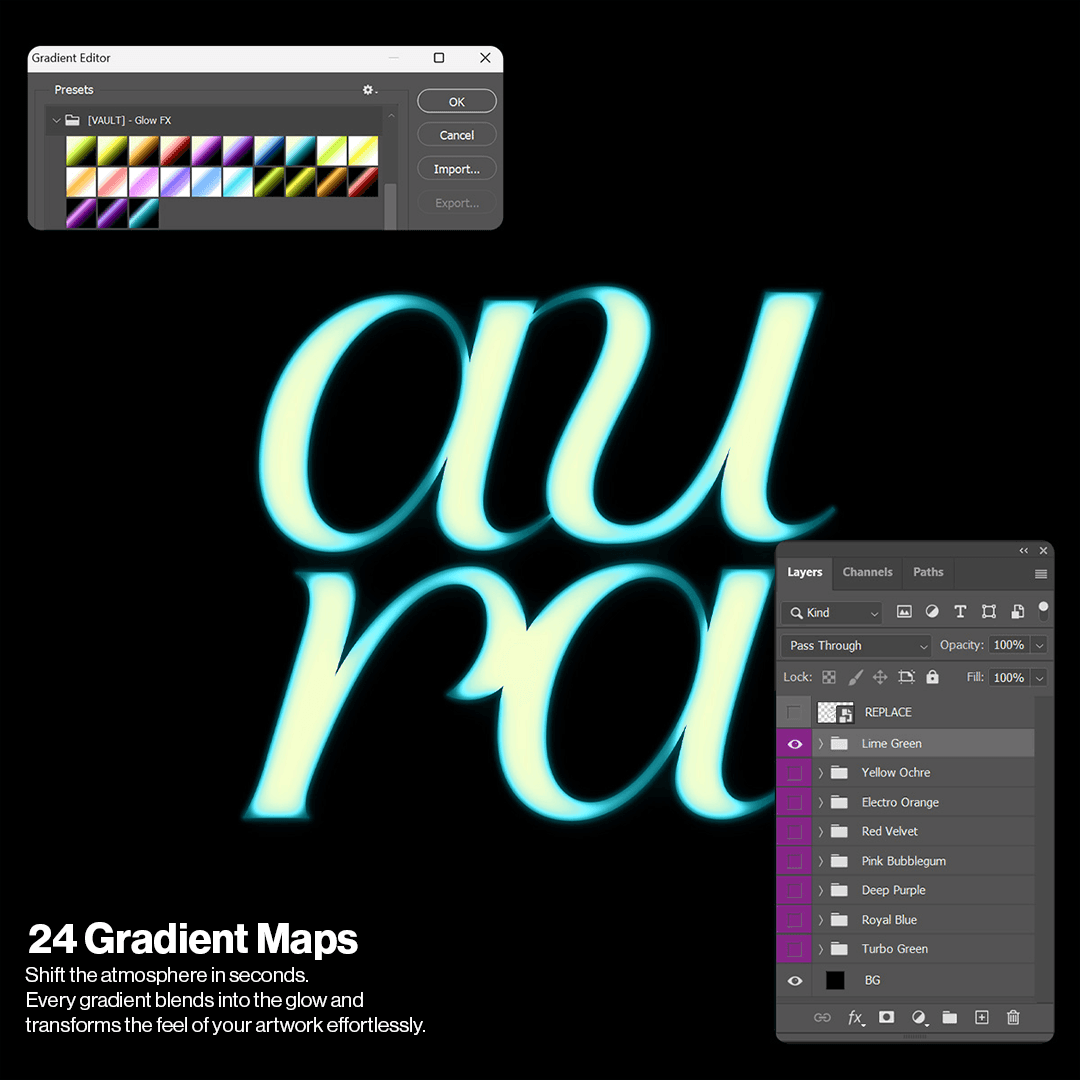
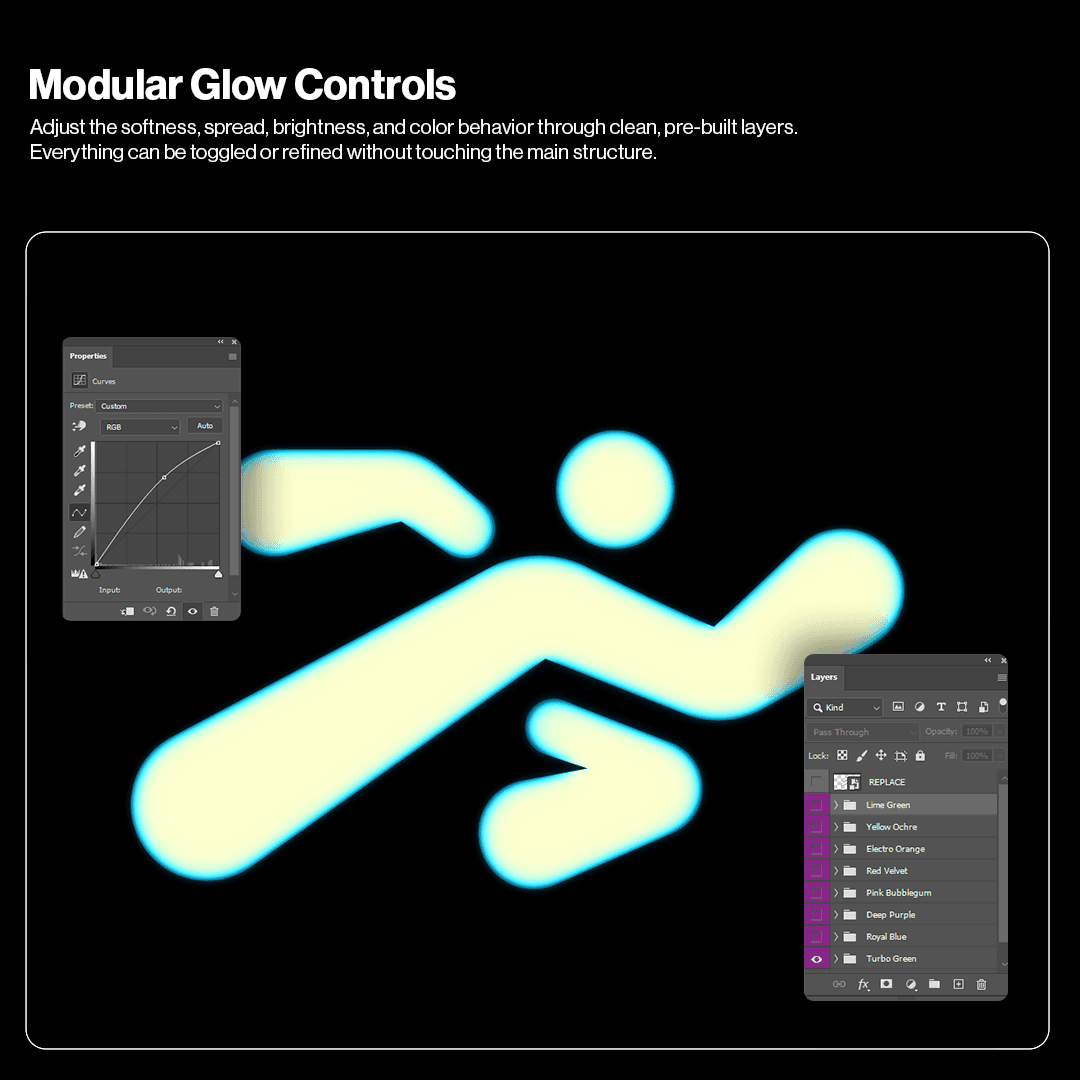
Glow FX gives you a fully organized file where all of that is already set. Insert your artwork, choose a color variation, and adjust the glow strength in just a few clicks.
What you'll get:
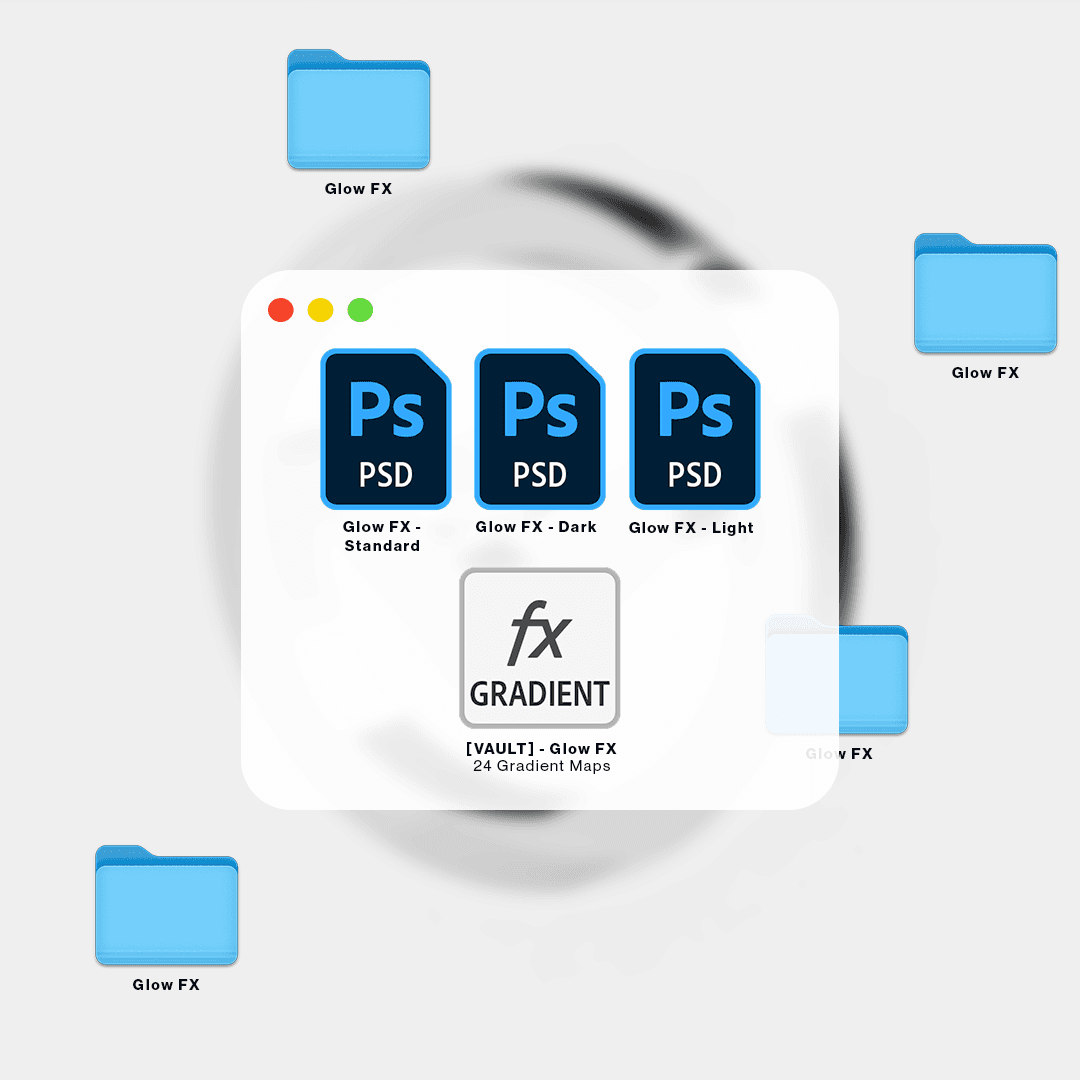
• 3 PSDs
• 24 Pre-built Glow Colorways
• Organized Layers with a clean, color-coded structure
What you'll get:
• 3 PSDs
• 24 Pre-built Glow Colorways
• Organized Layers with a clean, color-coded structure
Use Cases
Use Cases
Use Cases
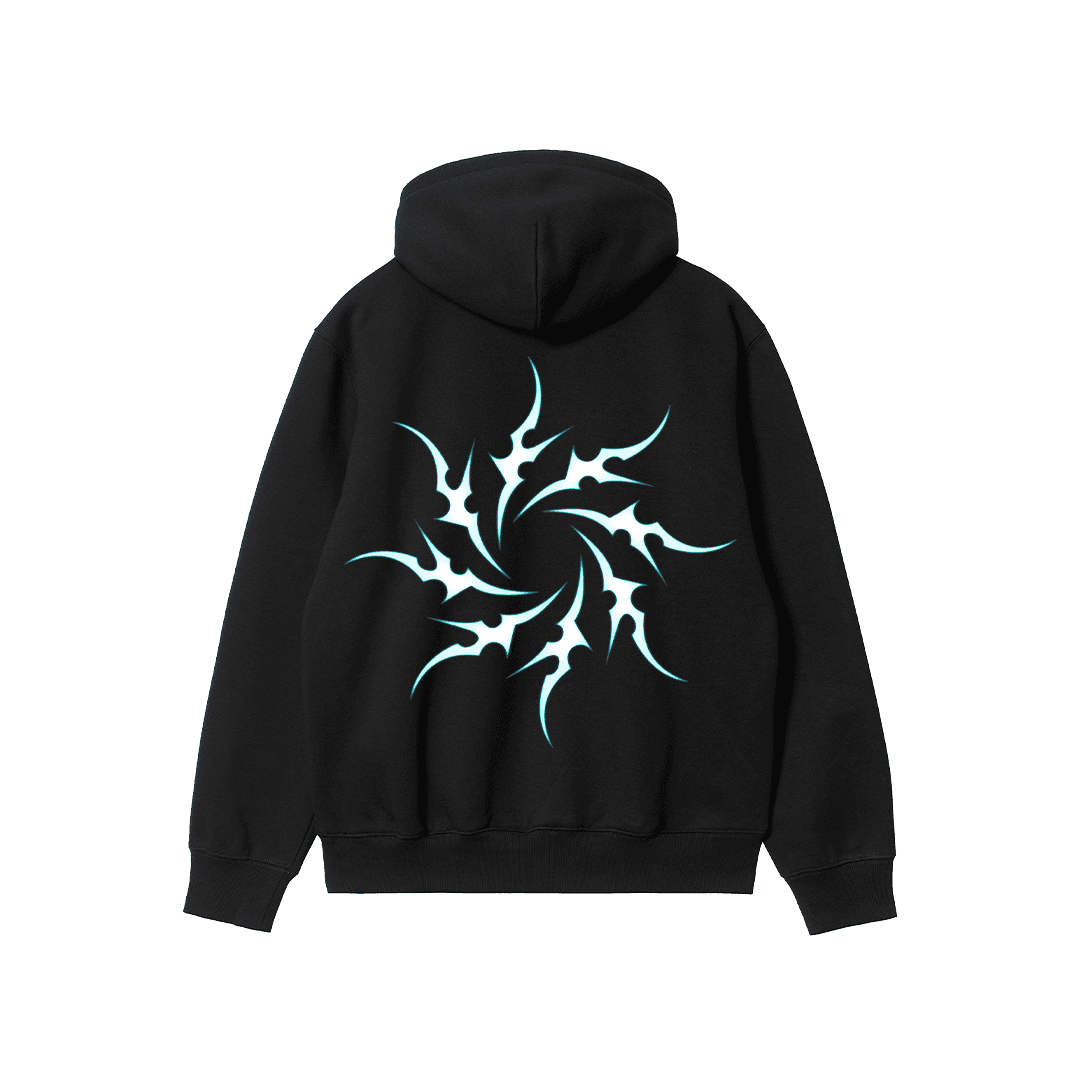
Apply glow to tees, hoodies, prints, and graphic elements.
Apply glow to tees, hoodies, prints, and graphic elements.
Apply glow to tees, hoodies, prints, and graphic elements.
Apply glow to tees, hoodies, prints, and graphic elements.
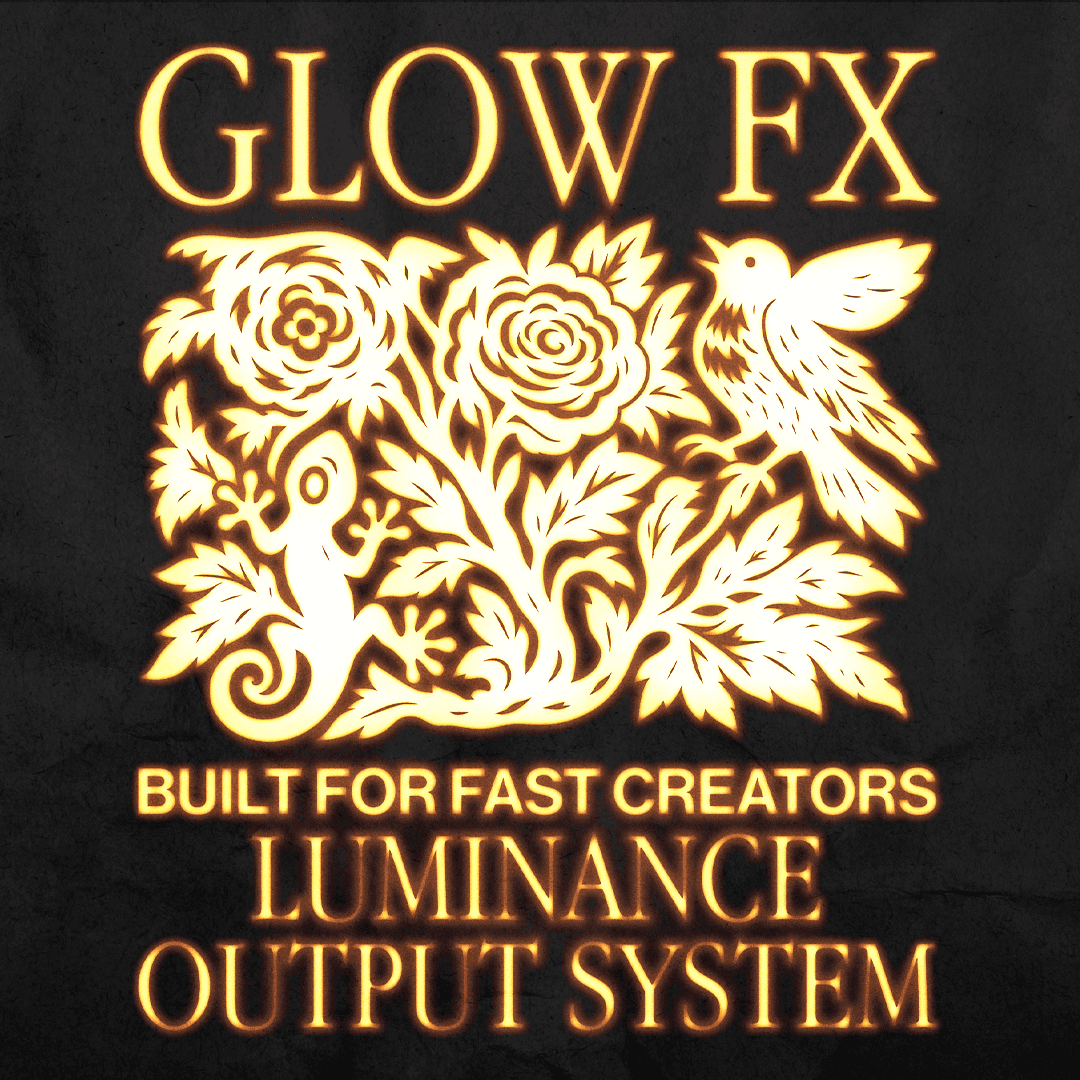
Enhance posts, covers, flyers, and digital visuals with bright accents.
Enhance posts, covers, flyers, and digital visuals with bright accents.
Enhance posts, covers, flyers, and digital visuals with bright accents.
Enhance posts, covers, flyers, and digital visuals with bright accents.
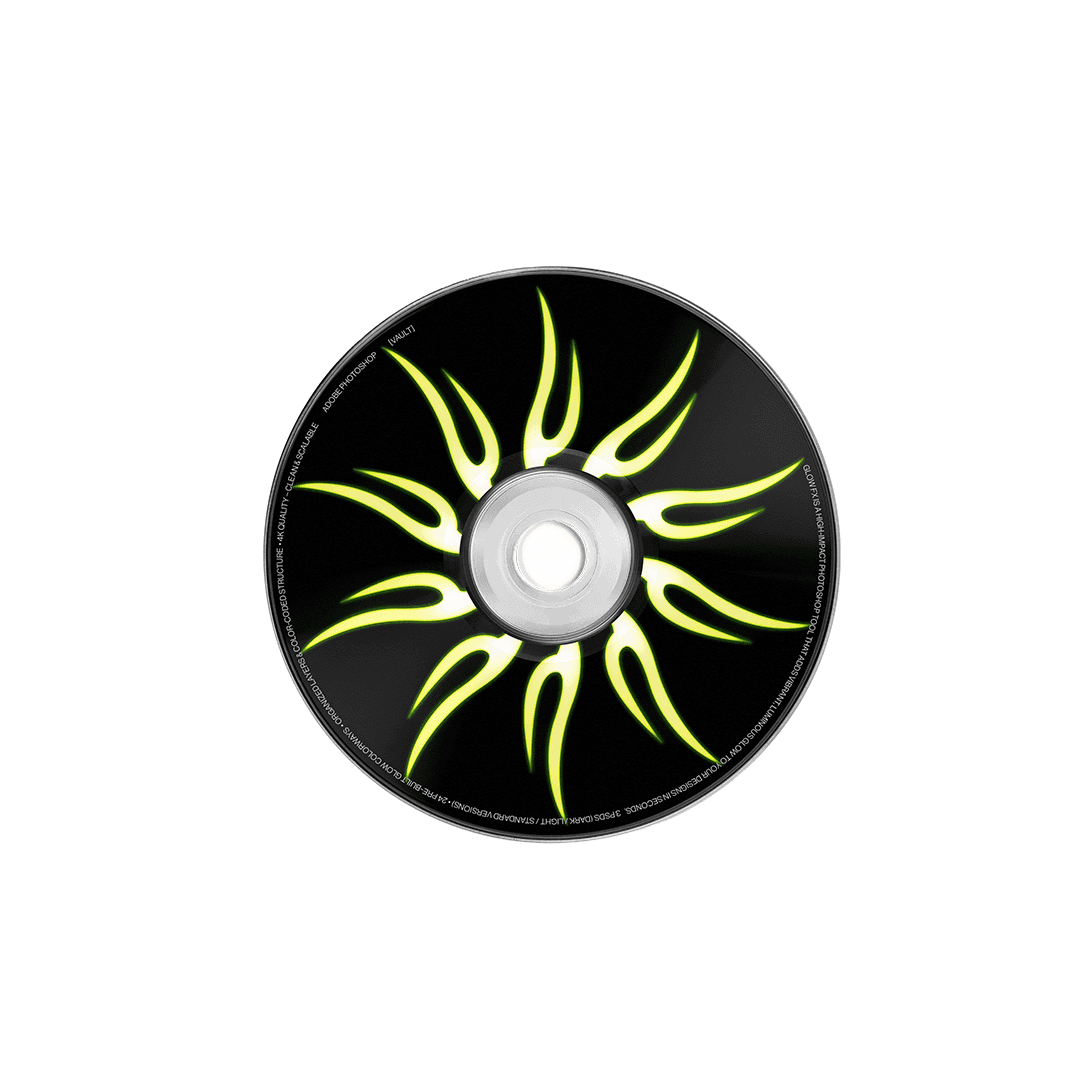
Add glow to album art, previews, posters, and motion graphics.
Add glow to album art, previews, posters, and motion graphics.
Add glow to album art, previews, posters, and motion graphics.
Add glow to album art, previews, posters, and motion graphics.
Built for fast-paced creatives
Built for fast-paced creatives
Built for fast-paced creatives
Glow FX is made for designers who need quick, colorful results when deadlines are tight.
Perfect for social visuals, music artwork, posters, and any project that benefits from bold glow and clean color transitions.
Glow FX is made for designers who need quick, colorful results when deadlines are tight.
Perfect for social visuals, music artwork, posters, and any project that benefits from bold glow and clean color transitions.
Does Glow FX work on any Photoshop version?
Yes. Any version that supports Smart Objects.
Is it beginner-friendly?
Yes. Replace the artwork inside the Smart Object and adjust the glow intensity.
Do I need any plugins?
No. Everything runs natively inside Photoshop.
Can I use it for client work?
To add a video to your site, click the “Insert” button and navigate to the “Media” section. Then, drag and drop a video component onto the Canvas.
Does Glow FX work on any Photoshop version?
Yes. Any version that supports Smart Objects.
Is it beginner-friendly?
Yes. Replace the artwork inside the Smart Object and adjust the glow intensity.
Do I need any plugins?
No. Everything runs natively inside Photoshop.
Can I use it for client work?
To add a video to your site, click the “Insert” button and navigate to the “Media” section. Then, drag and drop a video component onto the Canvas.
Does Glow FX work on any Photoshop version?
Yes. Any version that supports Smart Objects.
Is it beginner-friendly?
Yes. Replace the artwork inside the Smart Object and adjust the glow intensity.
Do I need any plugins?
No. Everything runs natively inside Photoshop.
Can I use it for client work?
To add a video to your site, click the “Insert” button and navigate to the “Media” section. Then, drag and drop a video component onto the Canvas.
Does Glow FX work on any Photoshop version?
Yes. Any version that supports Smart Objects.
Is it beginner-friendly?
Yes. Replace the artwork inside the Smart Object and adjust the glow intensity.
Do I need any plugins?
No. Everything runs natively inside Photoshop.
Can I use it for client work?
To add a video to your site, click the “Insert” button and navigate to the “Media” section. Then, drag and drop a video component onto the Canvas.
Does Glow FX work on any Photoshop version?
Yes. Any version that supports Smart Objects.
Is it beginner-friendly?
Yes. Replace the artwork inside the Smart Object and adjust the glow intensity.
Do I need any plugins?
No. Everything runs natively inside Photoshop.
Can I use it for client work?
To add a video to your site, click the “Insert” button and navigate to the “Media” section. Then, drag and drop a video component onto the Canvas.
For personal & commercial use.
Created by @vaultctrl.co —
digital tools for minds that move the culture.
Have questions or need help?
Email info@vaultctrl.co
For personal & commercial use.
Created by @vaultctrl.co —
digital tools for minds that move the culture.
Have questions or need help?
Email info@vaultctrl.co
RECCOMMENDED FOR YOU
RECCOMMENDED FOR YOU
RECCOMMENDED FOR YOU
RECCOMMENDED FOR YOU
RECCOMMENDED FOR YOU