
Add raw, gritty texture to your designs in seconds.
A Photoshop preset built for fast, authentic grunge without complicated steps or external plugins.
Add raw, gritty texture to your designs in seconds.
A Photoshop preset built for fast, authentic grunge without complicated steps or external plugins.
Skip the Hard Part
Skip the Hard Part
Skip the Hard Part
Skip the Hard Part
Realistic gritty is never quick to build from scratch.
You need the right textures, blending, contrast control, and layering to make the effect feel real.
Grunge FX gives you a complete scene where all of this is already prepared. Insert your artwork, choose a texture, adjust tone, and export.
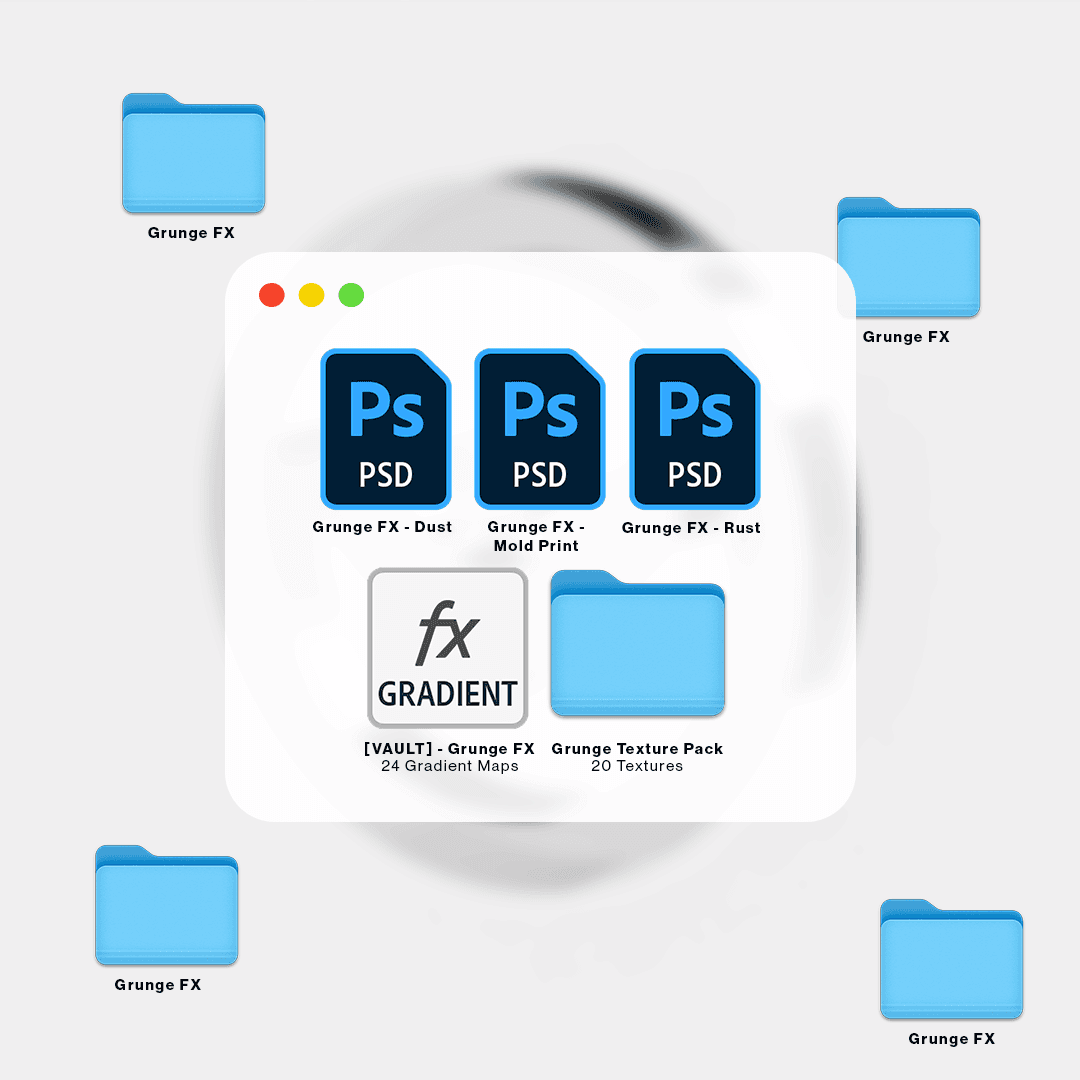
What you'll get:
• 3 Fully Editable PSD Templates
• 20 High-Resolution Grunge Textures
(2160×3840 – 300ppi)
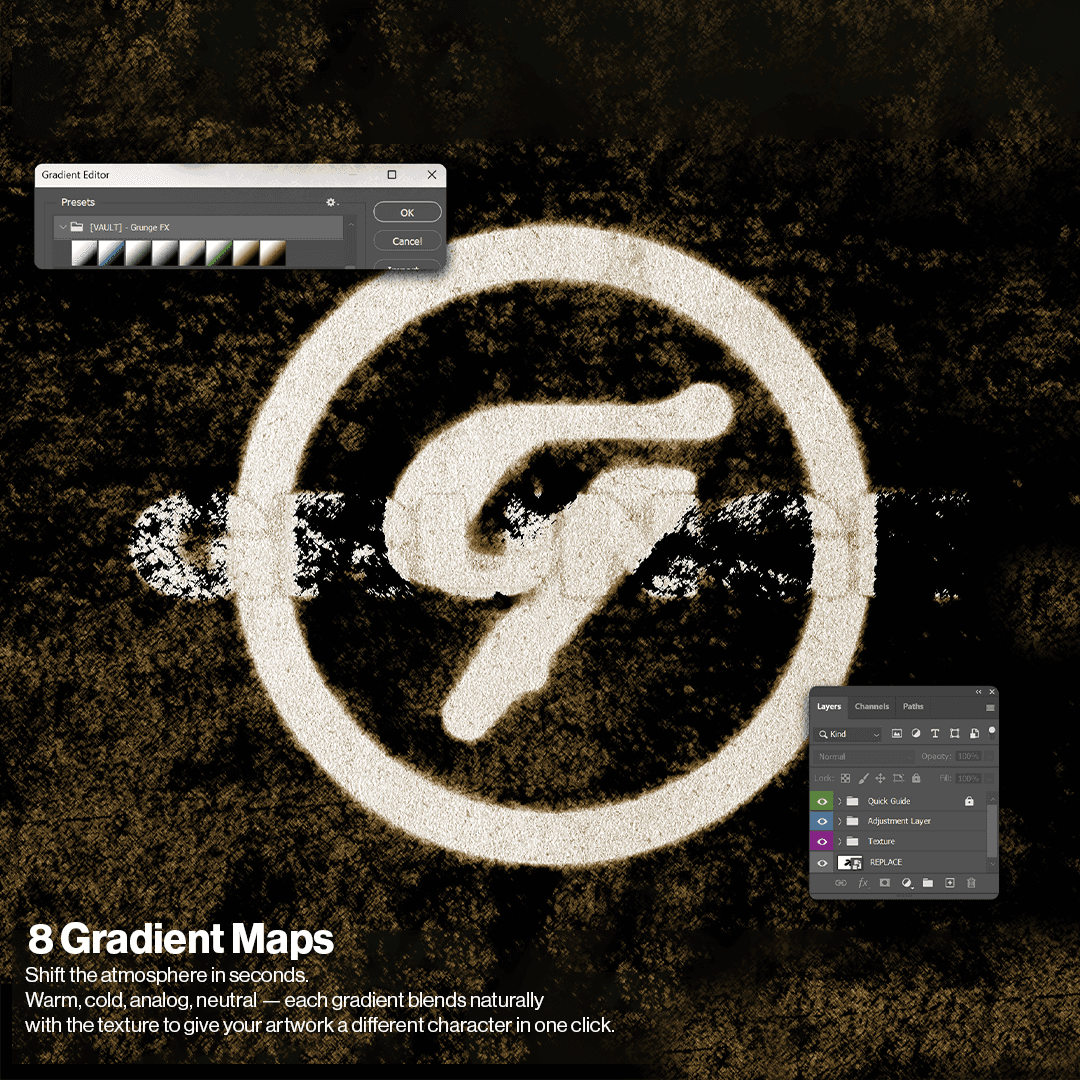
• 8 Gradient Maps
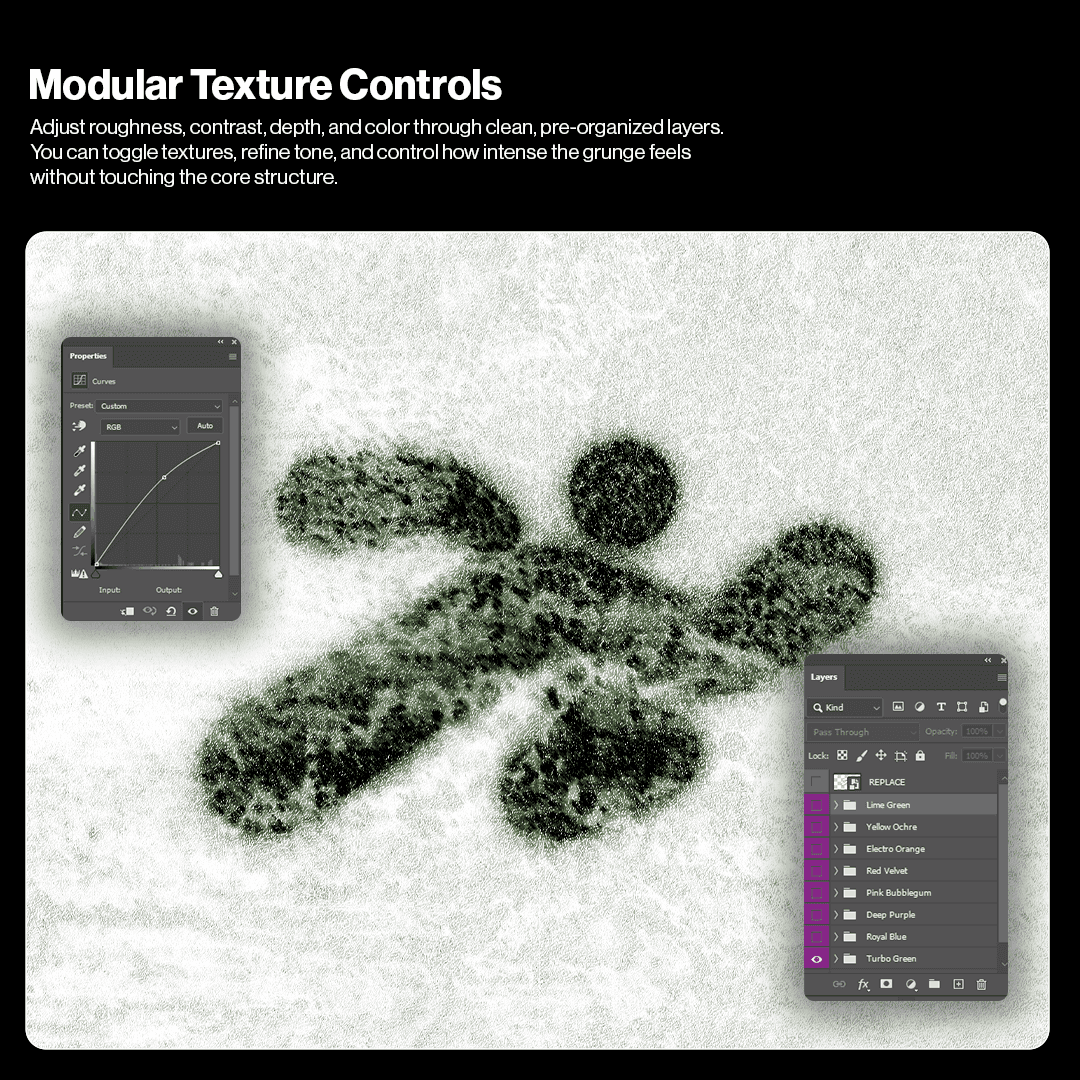
• Adjustment Layers for texture and tone control
What you'll get:
• 3 Fully Editable PSD Templates
• 20 High-Resolution Grunge Textures
(2160×3840 – 300ppi)
• 8 Gradient Maps
• Adjustment Layers for texture and tone control
Use Cases
Use Cases
Use Cases

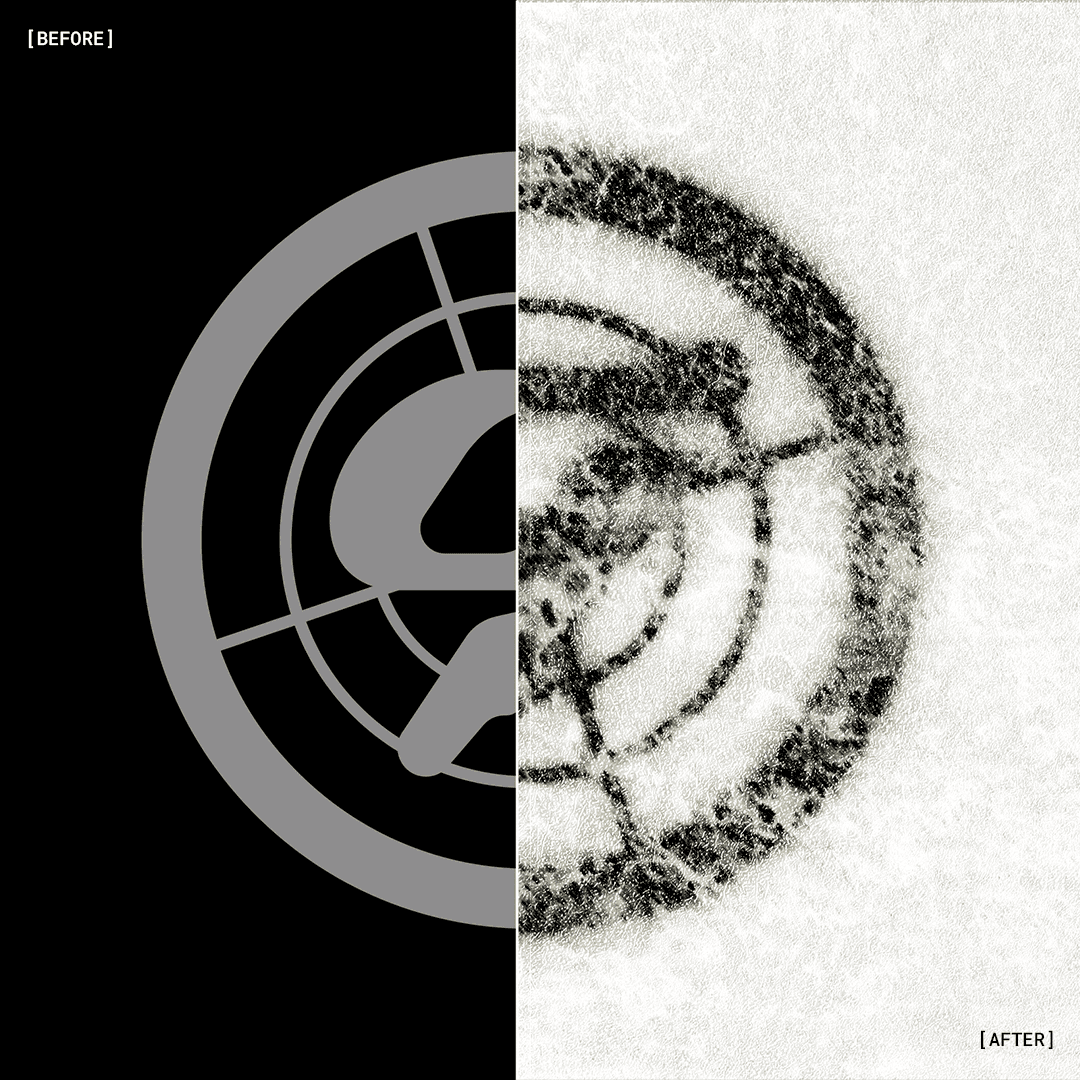
Add a worn finish to logos and symbols.
Add a worn finish to logos and symbols.
Add a worn finish to logos and symbols.
Add a worn finish to logos and symbols.

Apply distressed texture to titles, wordmarks, and lettering.
Apply distressed texture to titles, wordmarks, and lettering.
Apply distressed texture to titles, wordmarks, and lettering.
Apply distressed texture to titles, wordmarks, and lettering.

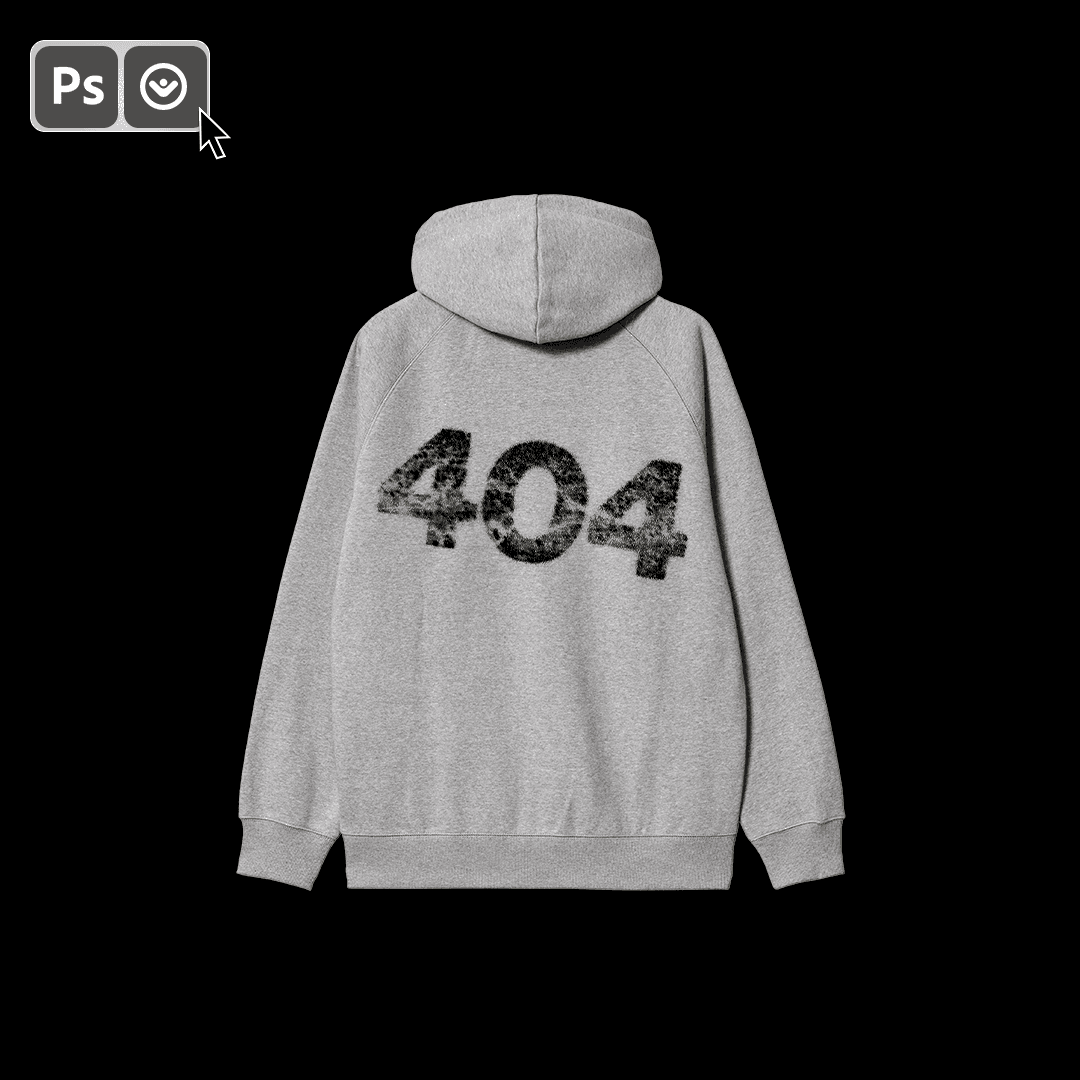
Use grunge overlays on tees, hoodies, prints, and graphic compositions.
Use grunge overlays on tees, hoodies, prints, and graphic compositions.
Use grunge overlays on tees, hoodies, prints, and graphic compositions.
Use grunge overlays on tees, hoodies, prints, and graphic compositions.
Built for fast-paced creatives
Built for fast-paced creatives
Built for fast-paced creatives
Grunge FX was created for designers who need gritty, textured visuals without slowing down.
Perfect for quick turnarounds, experimental layouts, and projects that require an authentic worn look right away.
Grunge FX was created for designers who need gritty, textured visuals without slowing down.
Perfect for quick turnarounds, experimental layouts, and projects that require an authentic worn look right away.
Does Grunge FX work on any Photoshop version?
Yes. Any version that supports Smart Objects and basic blending.
Is it beginner-friendly?
Yes. Replace your artwork and explore the texture layers.
Do I need any plugins?
No. Everything runs natively inside Photoshop.
Can I use it for client work?
To add a video to your site, click the “Insert” button and navigate to the “Media” section. Then, drag and drop a video component onto the Canvas.
Does Grunge FX work on any Photoshop version?
Yes. Any version that supports Smart Objects and basic blending.
Is it beginner-friendly?
Yes. Replace your artwork and explore the texture layers.
Do I need any plugins?
No. Everything runs natively inside Photoshop.
Can I use it for client work?
To add a video to your site, click the “Insert” button and navigate to the “Media” section. Then, drag and drop a video component onto the Canvas.
Does Grunge FX work on any Photoshop version?
Yes. Any version that supports Smart Objects and basic blending.
Is it beginner-friendly?
Yes. Replace your artwork and explore the texture layers.
Do I need any plugins?
No. Everything runs natively inside Photoshop.
Can I use it for client work?
To add a video to your site, click the “Insert” button and navigate to the “Media” section. Then, drag and drop a video component onto the Canvas.
Does Grunge FX work on any Photoshop version?
Yes. Any version that supports Smart Objects and basic blending.
Is it beginner-friendly?
Yes. Replace your artwork and explore the texture layers.
Do I need any plugins?
No. Everything runs natively inside Photoshop.
Can I use it for client work?
To add a video to your site, click the “Insert” button and navigate to the “Media” section. Then, drag and drop a video component onto the Canvas.
Does Grunge FX work on any Photoshop version?
Yes. Any version that supports Smart Objects and basic blending.
Is it beginner-friendly?
Yes. Replace your artwork and explore the texture layers.
Do I need any plugins?
No. Everything runs natively inside Photoshop.
Can I use it for client work?
To add a video to your site, click the “Insert” button and navigate to the “Media” section. Then, drag and drop a video component onto the Canvas.
For personal & commercial use.
Created by @vaultctrl.co —
digital tools for minds that move the culture.
Have questions or need help?
Email info@vaultctrl.co
For personal & commercial use.
Created by @vaultctrl.co —
digital tools for minds that move the culture.
Have questions or need help?
Email info@vaultctrl.co
RECCOMMENDED FOR YOU
RECCOMMENDED FOR YOU
RECCOMMENDED FOR YOU
RECCOMMENDED FOR YOU
RECCOMMENDED FOR YOU