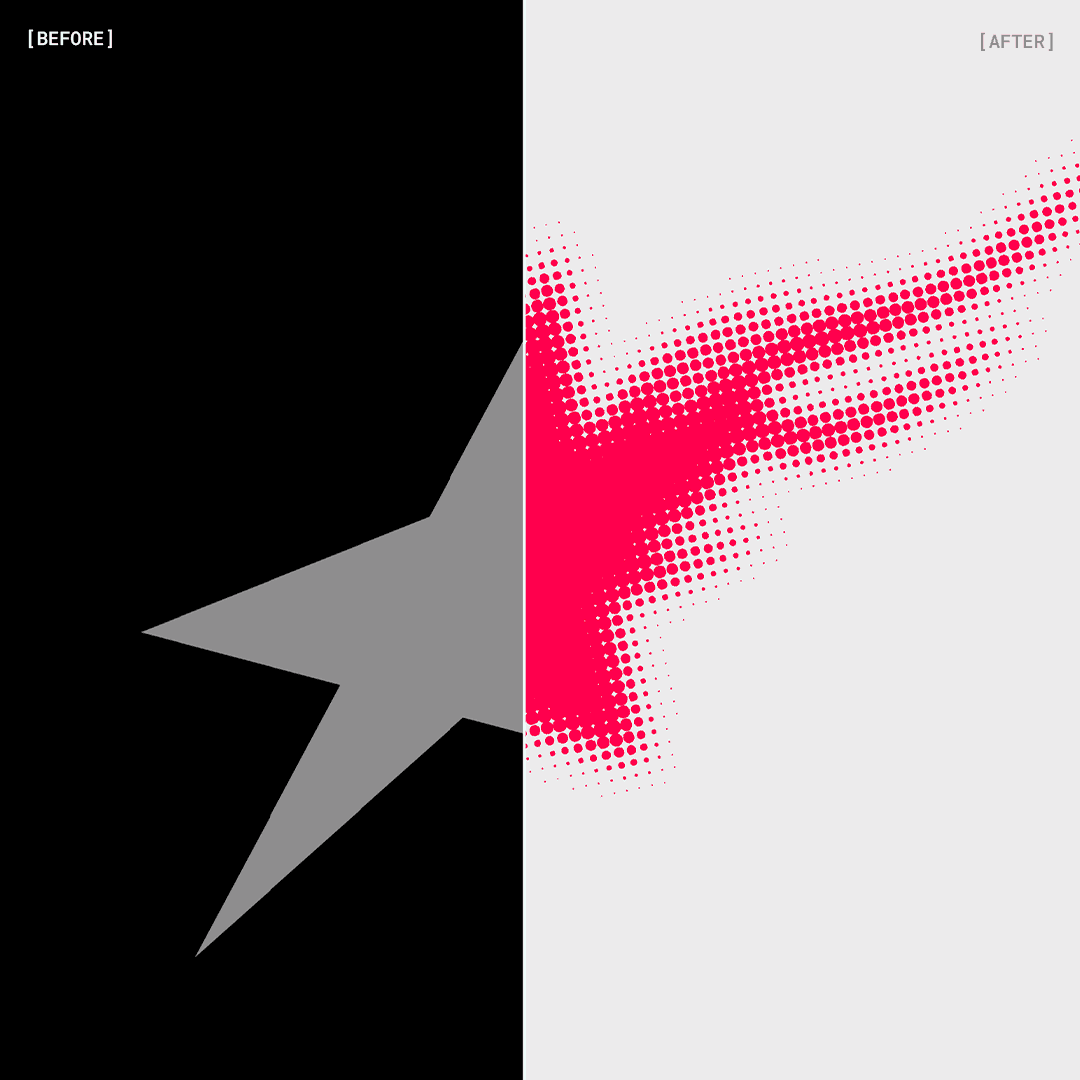
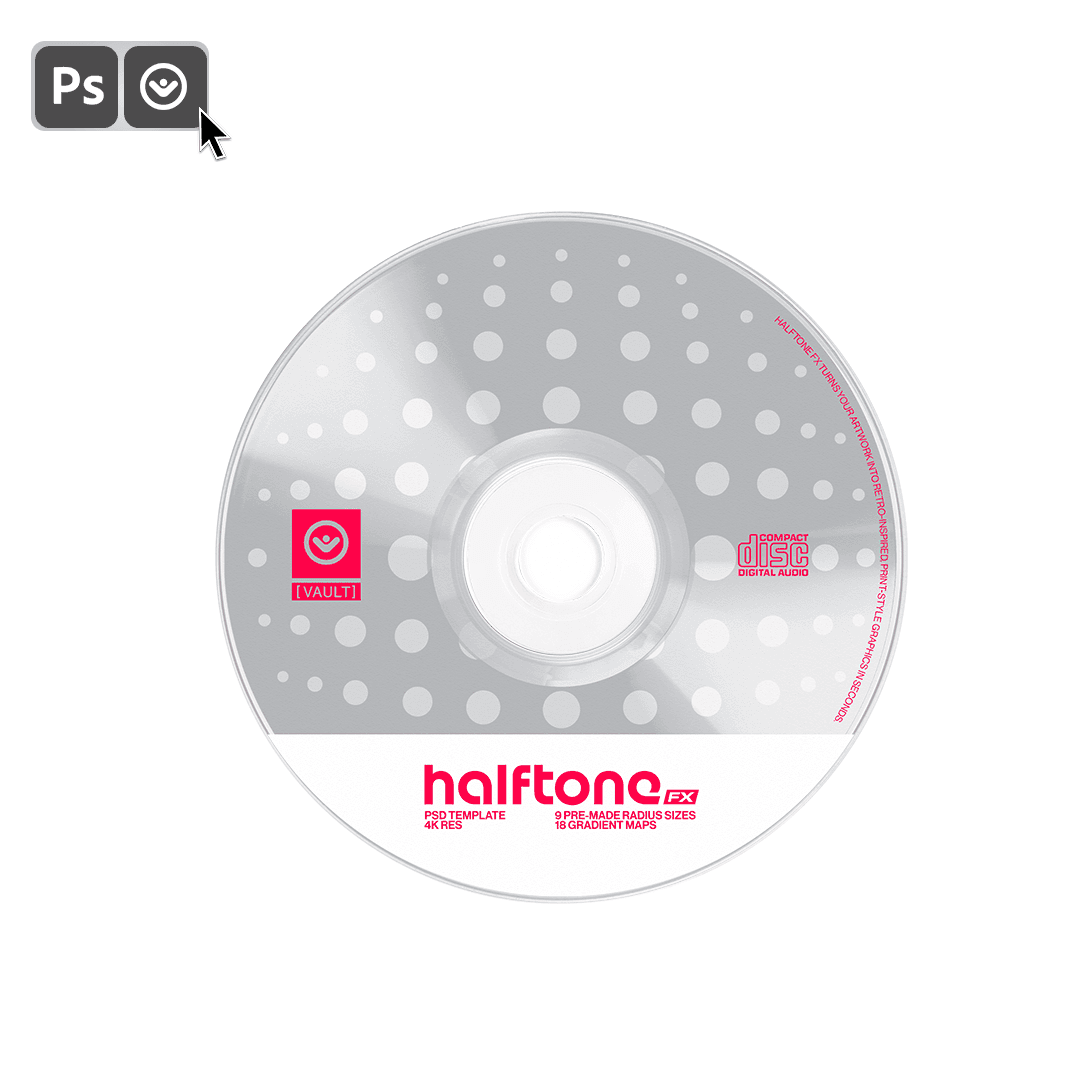
Turn your artwork into retro-inspired, print-style graphics in seconds.
A fast Photoshop template that gives you full control over dot size, color, and contrast with no hassle.
Turn your artwork into retro-inspired, print-style graphics in seconds.
A fast Photoshop template that gives you full control over dot size, color, and contrast with no hassle.
Skip the Hard Part
Skip the Hard Part
Skip the Hard Part
Skip the Hard Part
Creating a clean halftone effect manually takes time.
You need the right radius, pattern density, contrast balance, and color treatments to make it look intentional.
Halftone FX gives you everything pre-organized in a single file. Insert your artwork, choose a radius size, adjust tone, and export.
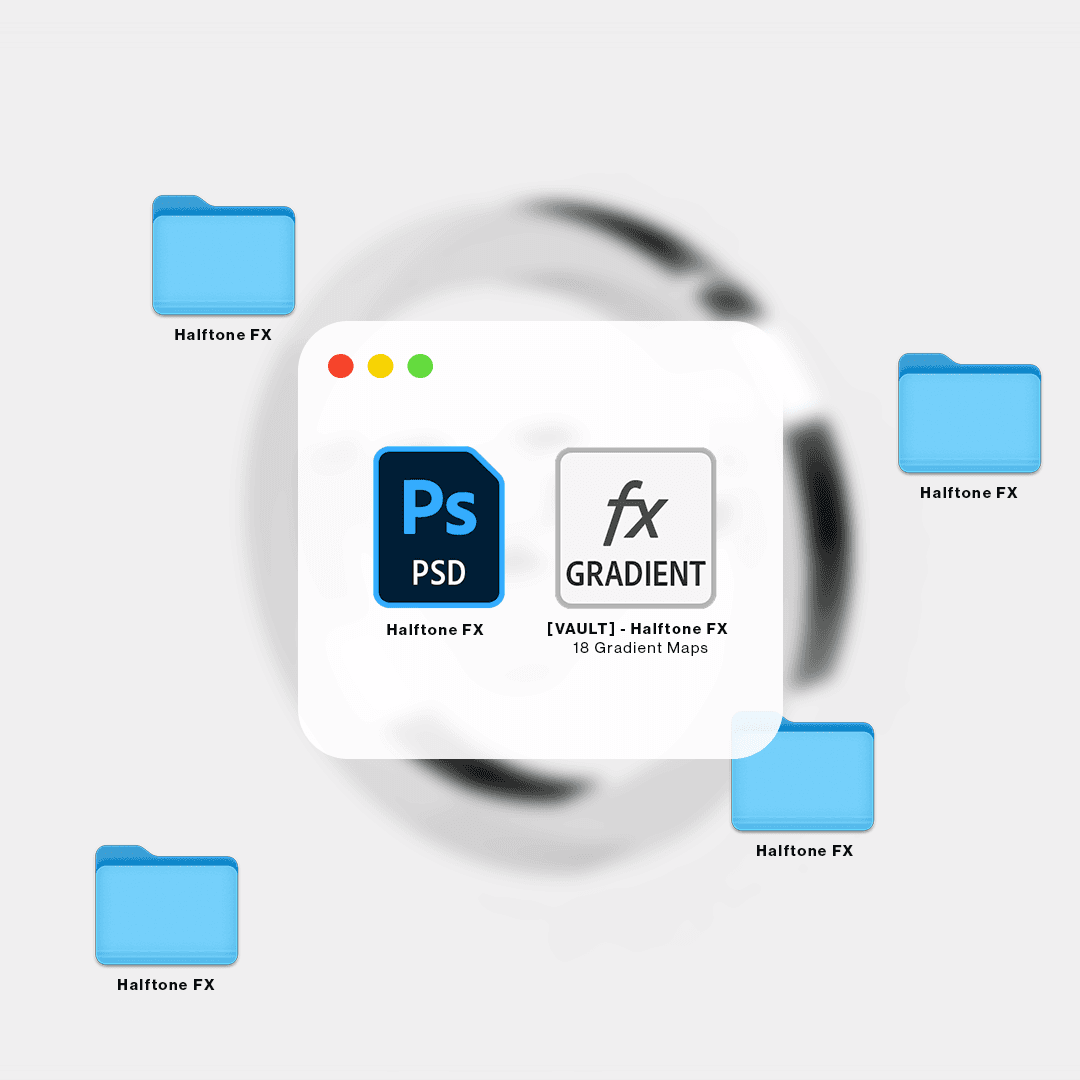
What you'll get:
• 1 PSD
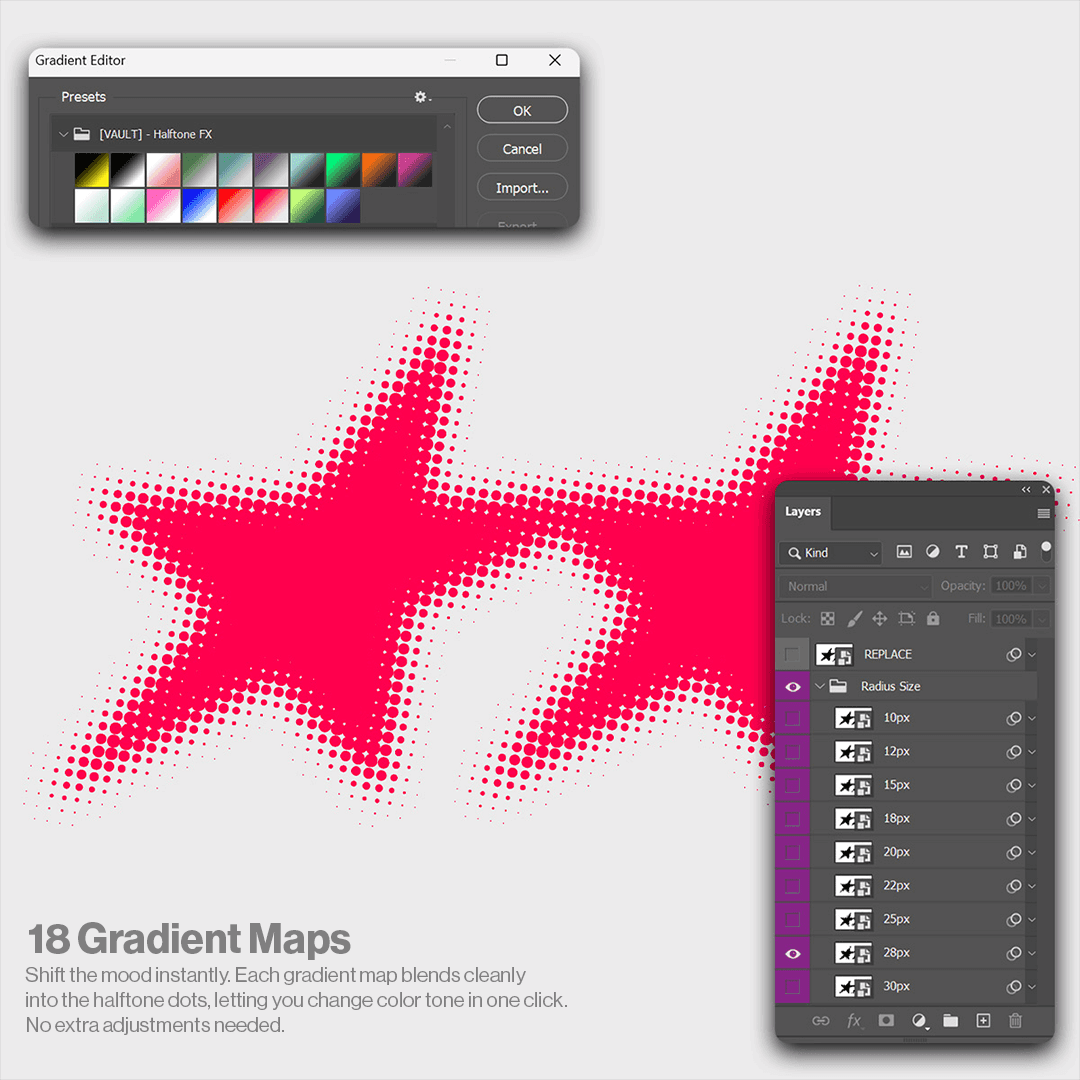
• 18 Gradient Maps
• 8 Pre-made Radius Sizes
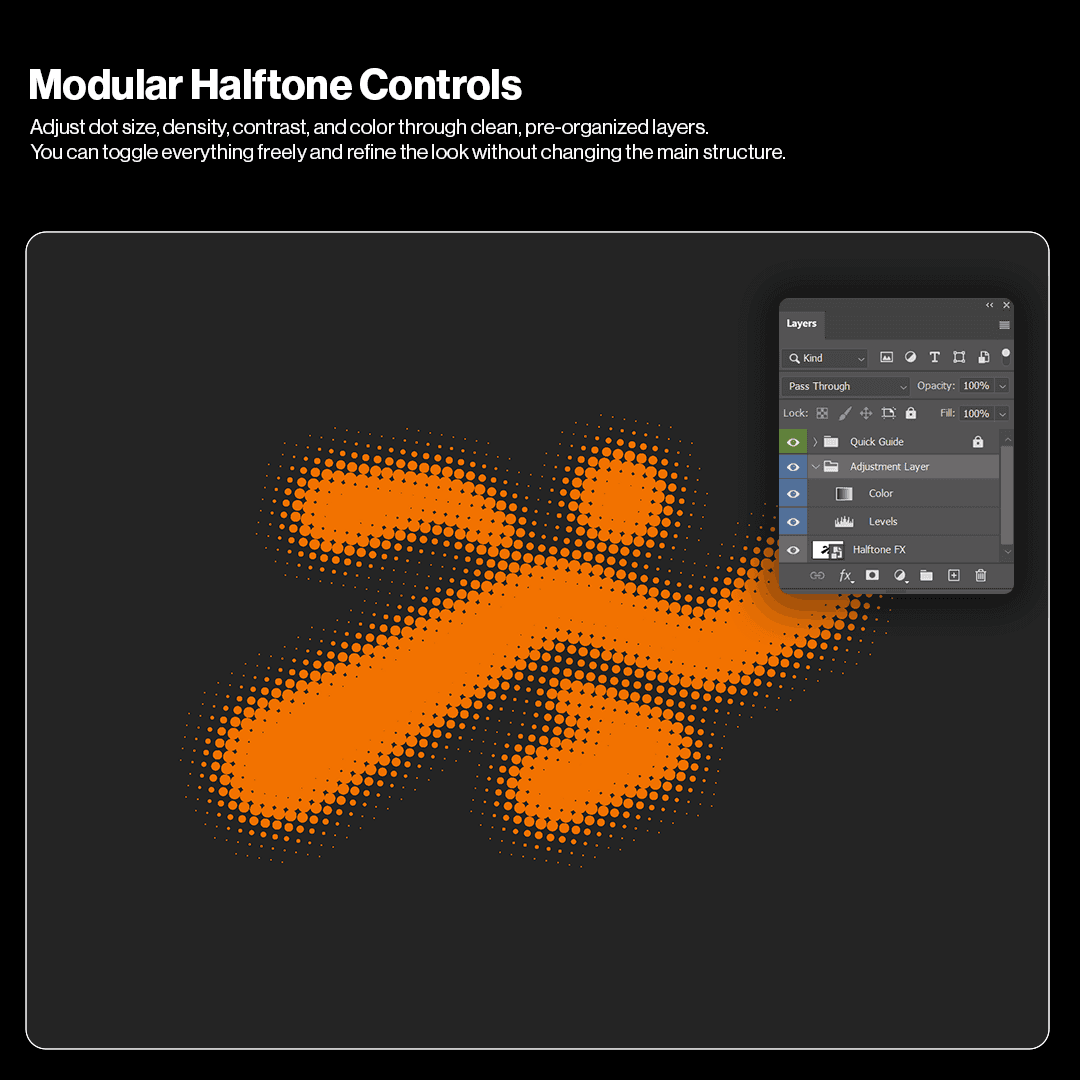
• Adjustment Layers for contrast and tone
What you'll get:
• 1 PSD
• 18 Gradient Maps
• 8 Pre-made Radius Sizes
• Adjustment Layers for contrast and tone
Use Cases
Use Cases
Use Cases
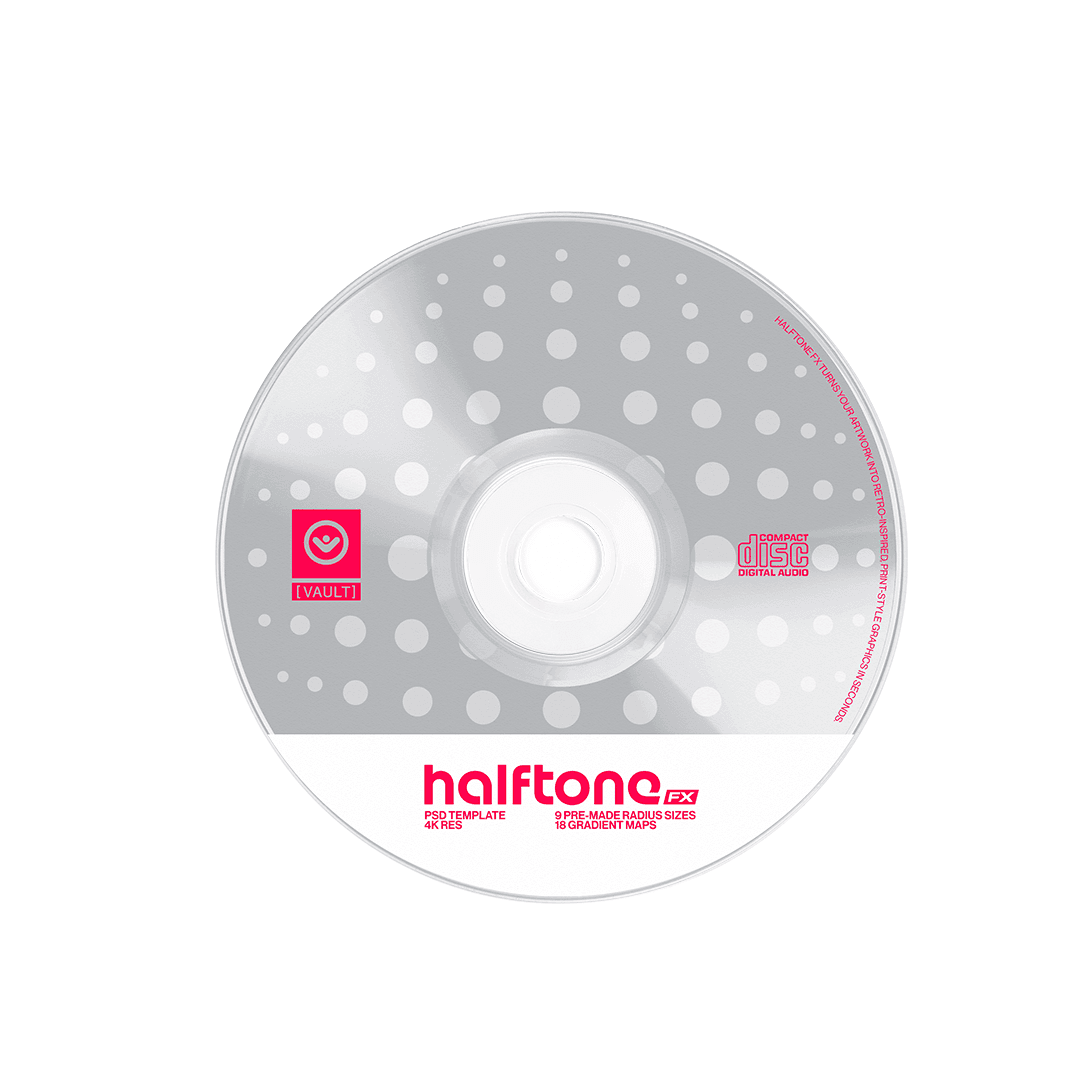
Use halftone dots on cover art, flyers, previews, and motion loops.
Use halftone dots on cover art, flyers, previews, and motion loops.
Use halftone dots on cover art, flyers, previews, and motion loops.
Use halftone dots on cover art, flyers, previews, and motion loops.
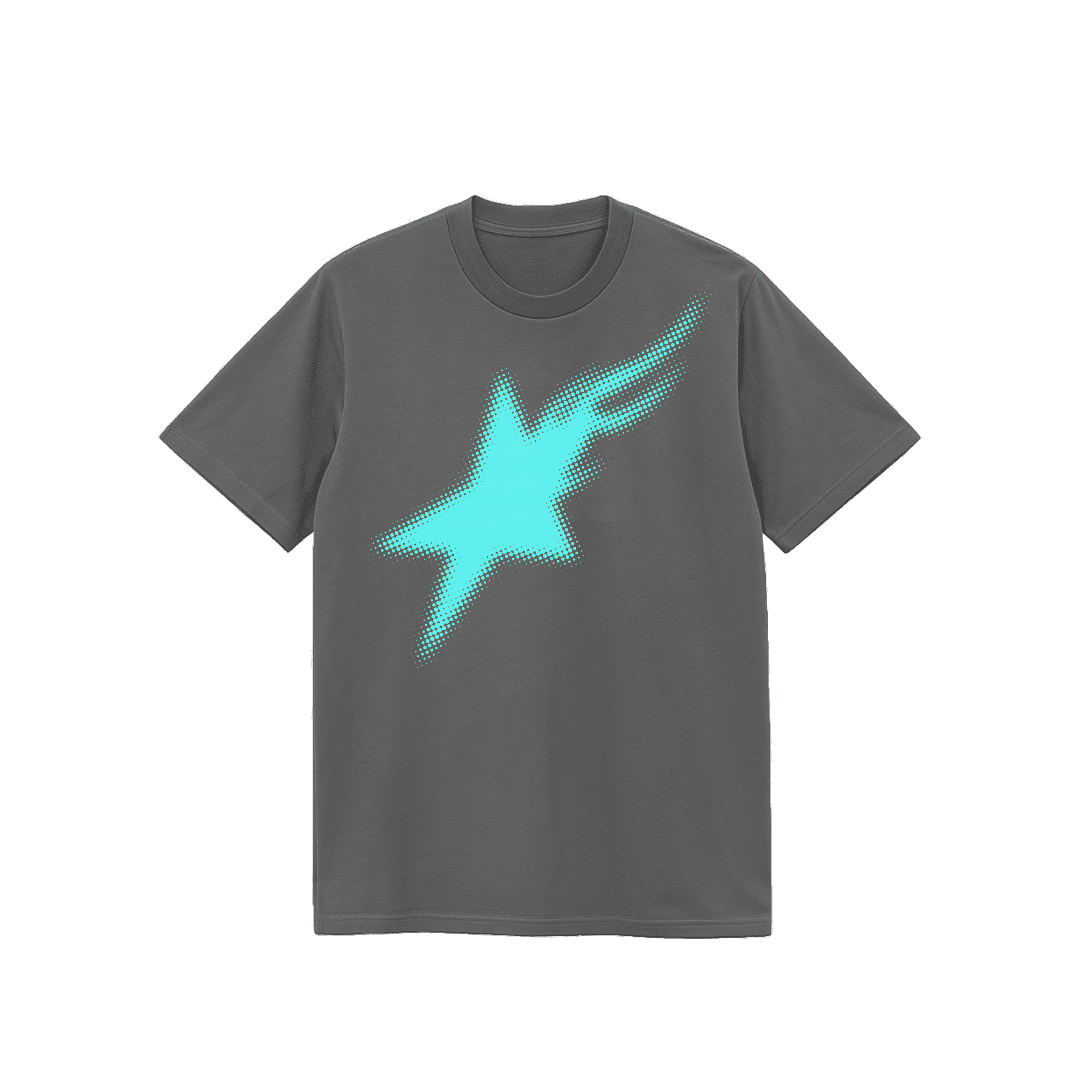
Create print-style halftone graphics for tees, posters, and apparel.
Create print-style halftone graphics for tees, posters, and apparel.
Create print-style halftone graphics for tees, posters, and apparel.
Create print-style halftone graphics for tees, posters, and apparel.

Apply halftone patterns to titles, logos, and lettering.
Apply halftone patterns to titles, logos, and lettering.
Apply halftone patterns to titles, logos, and lettering.
Apply halftone patterns to titles, logos, and lettering.
Built for fast-paced creatives
Built for fast-paced creatives
Built for fast-paced creatives
Halftone FX was created for designers who want instant print-style visuals without setting up patterns from scratch. Great for posters, covers, social visuals, and projects that benefit from a clean halftone texture.
Does Halftone FX work on any Photoshop version?
Yes. Any version that supports Smart Objects.
Is it beginner-friendly?
Yes. Replace your artwork, pick a radius size, and adjust contrast.
Do I need any plugins?
No. Everything is native to Photoshop.
Can I use it for client work?
To add a video to your site, click the “Insert” button and navigate to the “Media” section. Then, drag and drop a video component onto the Canvas.
Does Halftone FX work on any Photoshop version?
Yes. Any version that supports Smart Objects.
Is it beginner-friendly?
Yes. Replace your artwork, pick a radius size, and adjust contrast.
Do I need any plugins?
No. Everything is native to Photoshop.
Can I use it for client work?
To add a video to your site, click the “Insert” button and navigate to the “Media” section. Then, drag and drop a video component onto the Canvas.
Does Halftone FX work on any Photoshop version?
Yes. Any version that supports Smart Objects.
Is it beginner-friendly?
Yes. Replace your artwork, pick a radius size, and adjust contrast.
Do I need any plugins?
No. Everything is native to Photoshop.
Can I use it for client work?
To add a video to your site, click the “Insert” button and navigate to the “Media” section. Then, drag and drop a video component onto the Canvas.
Does Halftone FX work on any Photoshop version?
Yes. Any version that supports Smart Objects.
Is it beginner-friendly?
Yes. Replace your artwork, pick a radius size, and adjust contrast.
Do I need any plugins?
No. Everything is native to Photoshop.
Can I use it for client work?
To add a video to your site, click the “Insert” button and navigate to the “Media” section. Then, drag and drop a video component onto the Canvas.
Does Halftone FX work on any Photoshop version?
Yes. Any version that supports Smart Objects.
Is it beginner-friendly?
Yes. Replace your artwork, pick a radius size, and adjust contrast.
Do I need any plugins?
No. Everything is native to Photoshop.
Can I use it for client work?
To add a video to your site, click the “Insert” button and navigate to the “Media” section. Then, drag and drop a video component onto the Canvas.
For personal & commercial use.
Created by @vaultctrl.co —
digital tools for minds that move the culture.
Have questions or need help?
Email info@vaultctrl.co
For personal & commercial use.
Created by @vaultctrl.co —
digital tools for minds that move the culture.
Have questions or need help?
Email info@vaultctrl.co
RECCOMMENDED FOR YOU
RECCOMMENDED FOR YOU
RECCOMMENDED FOR YOU
RECCOMMENDED FOR YOU
RECCOMMENDED FOR YOU